Let Alcilla Detect Views Automatically
Alcilla analyzes the existing index and suggests relevant views for recurring people, projects, and relationships. This means relevant content does not have to be assembled manually first.
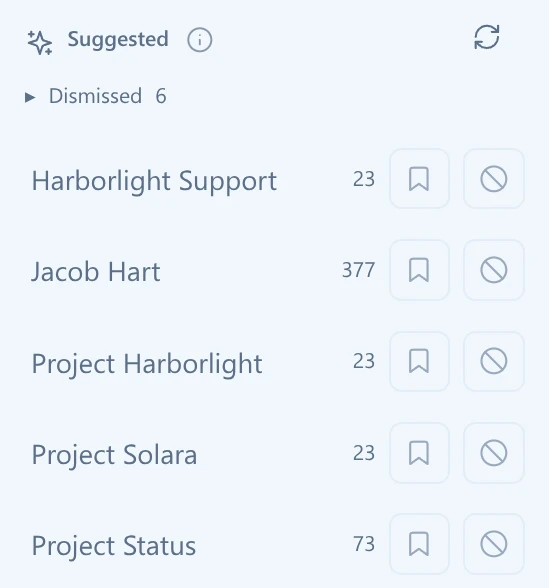

Explore brings relevant emails, documents, appointments, recordings, notes, and other content from the Alcilla index into a single view – detected automatically or assembled using your own rules.
Explore uses the Alcilla index to bring together content that belongs to a view or project. Information spread across different modules becomes visible as one connected working context.
Alcilla analyzes the existing index and suggests relevant views for recurring people, projects, and relationships. This means relevant content does not have to be assembled manually first.
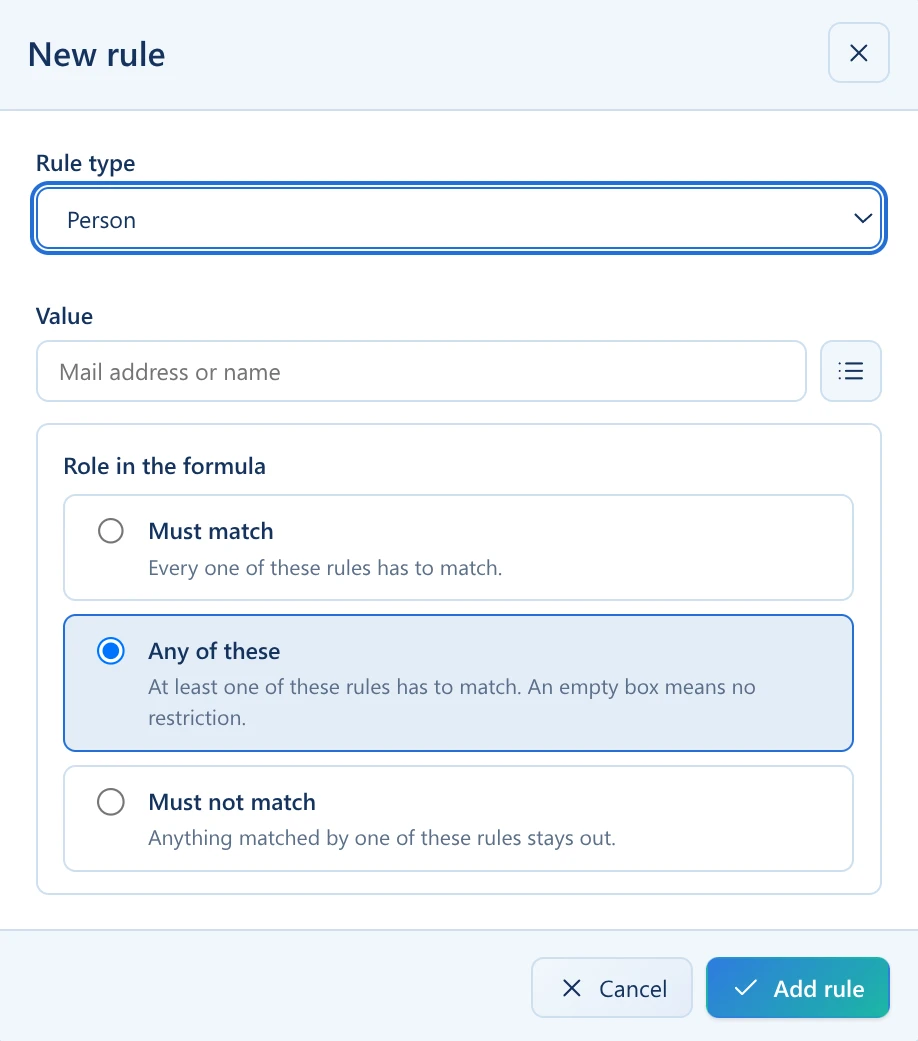
Views can be defined using targeted rules – for example by person, phrase, board, project, folder, mailbox, or note content. When multiple rules match, Explore brings the corresponding results together in one shared view.
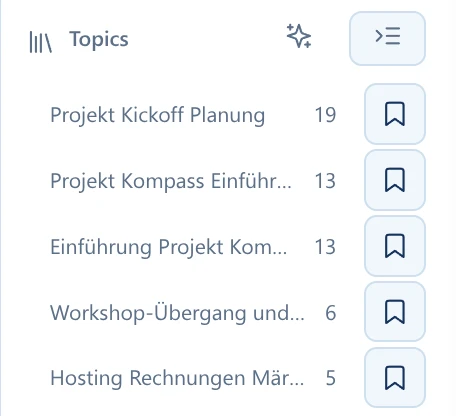
AI can analyze the content within a view, detect frequently recurring conversation topics, and suggest suitable topic labels. You can then filter the view specifically by those topics.
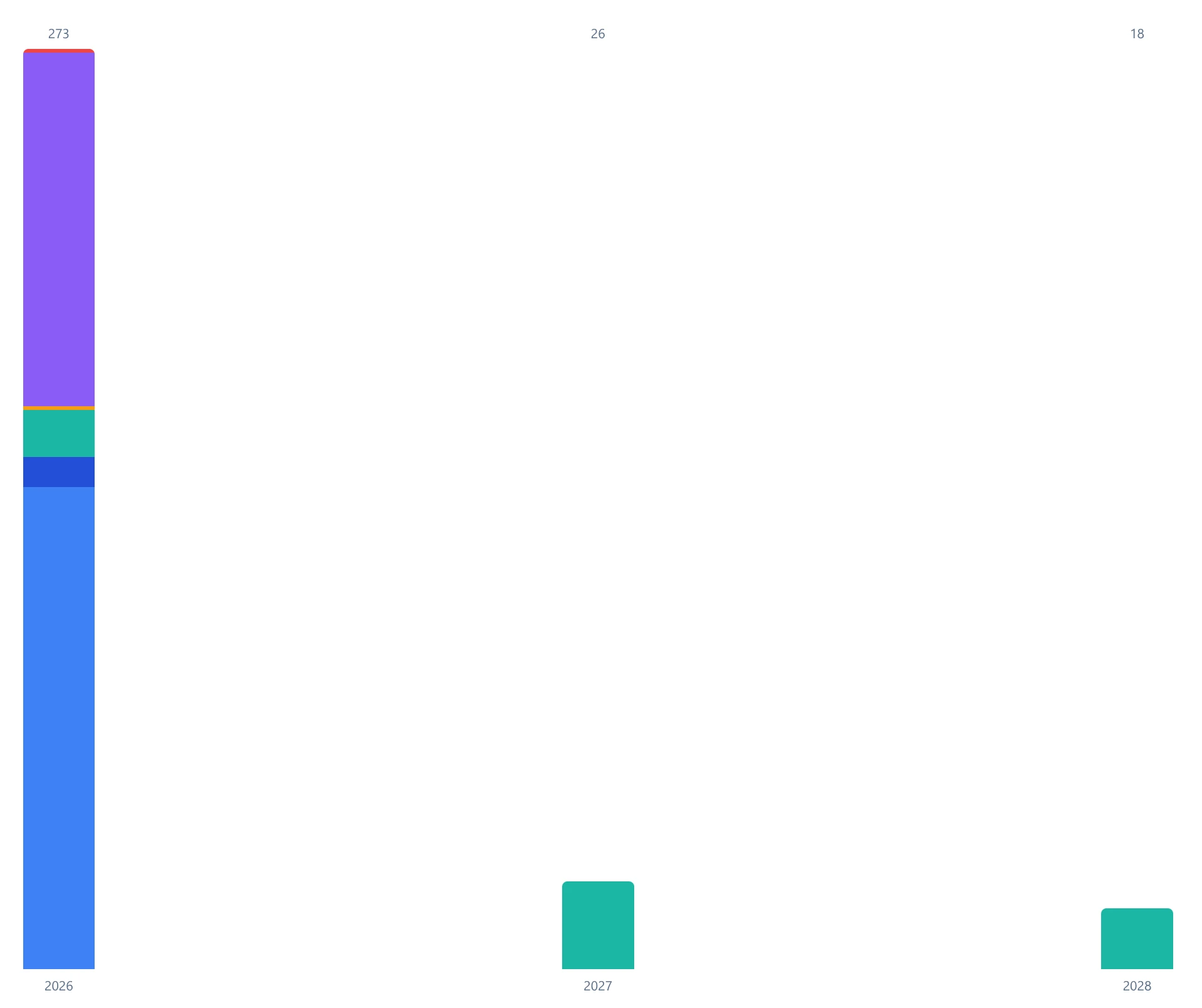
All results are plotted over time in a histogram. This makes it easy to see when a project or topic was especially active – from the complete time range down to individual months.
The list view displays the related emails, documents, appointments, recordings, notes, and other entries in a clear, scannable format.
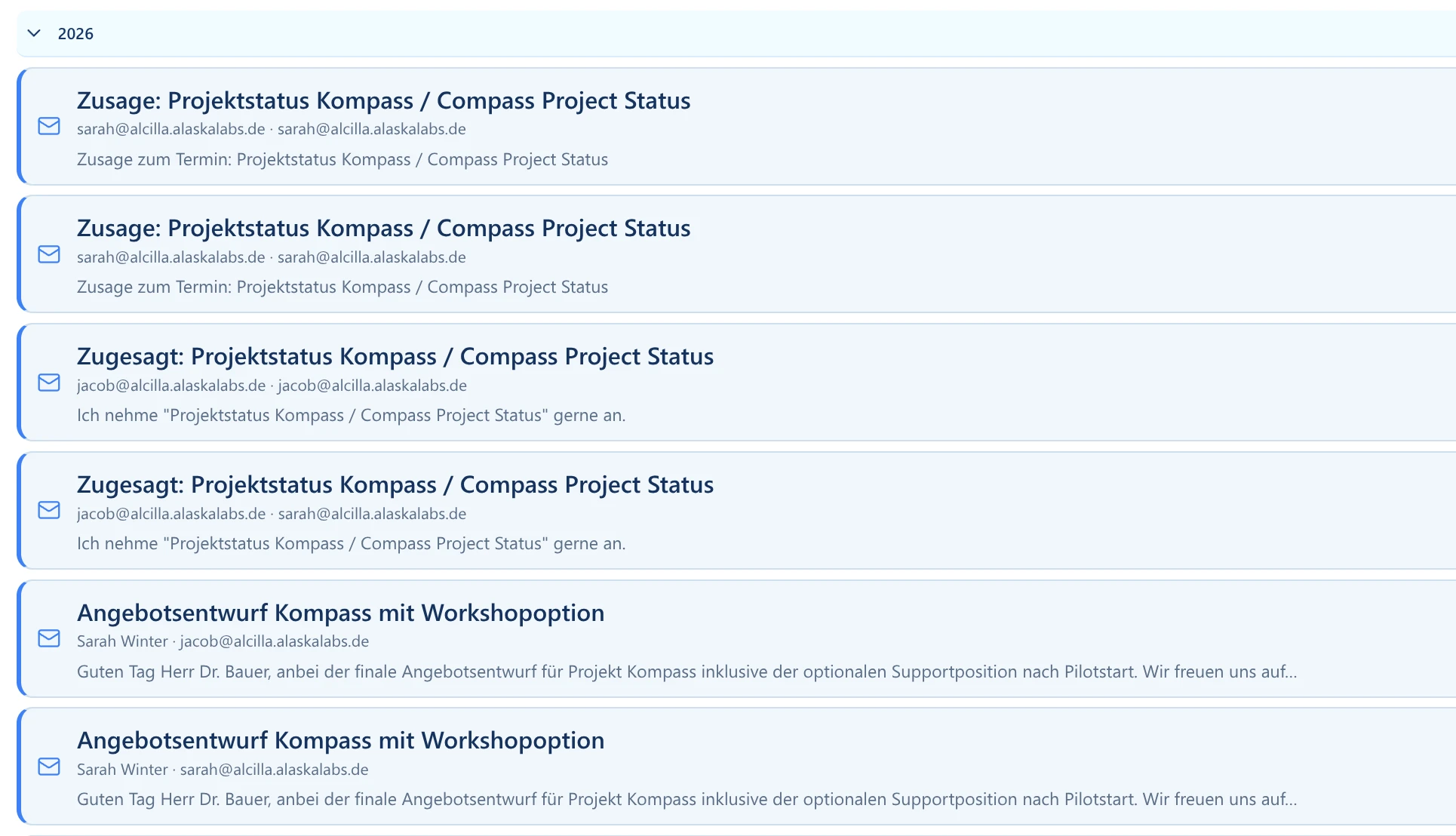
Clicking a list entry opens the corresponding preview. From there, you can continue directly to the underlying document, email, recording, or other original item.
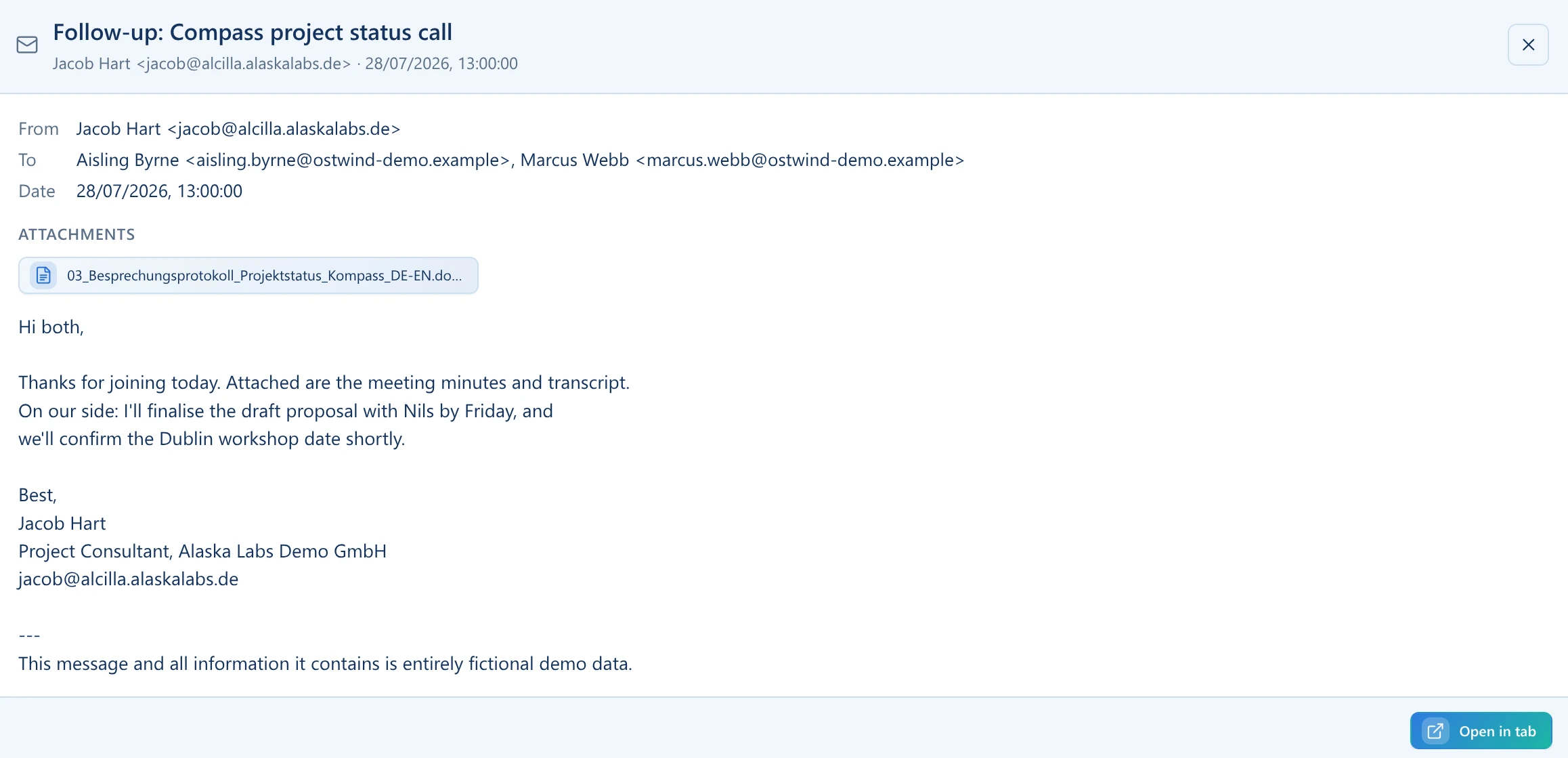
Explore connects information that would otherwise remain separated across individual modules. Files, contacts, dates, and other metadata become visible together, helping you understand a process or project as a whole.

A project can quickly spread across emails, appointments, meeting notes, files, notes, and recordings. Explore brings matching results from the existing Alcilla index together in one shared view.
Alcilla can detect recurring relationships and suggest new views based on them. Useful contexts can surface without requiring a complex search to be built first. You can also define your own views with custom rules.
Topic analysis helps identify recurring conversation and work topics within a view. Detected topics can then be used as filters to get to the relevant results faster.
Explore goes beyond search results. The histogram, time-range navigation, topics, data types, and list view show how an area of work develops and which content sits behind it.
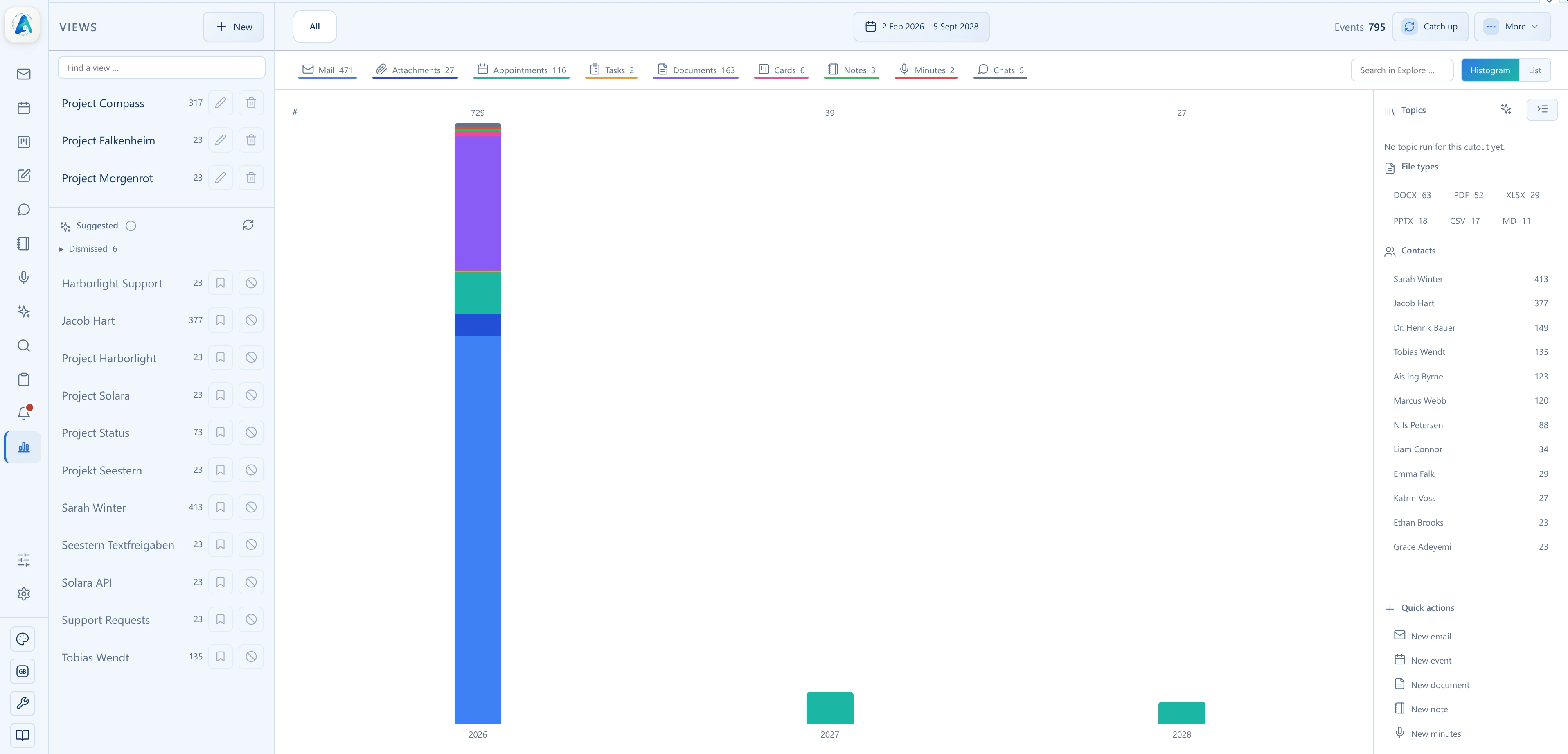
Explore uses information that has already been indexed and brings the matching content together.
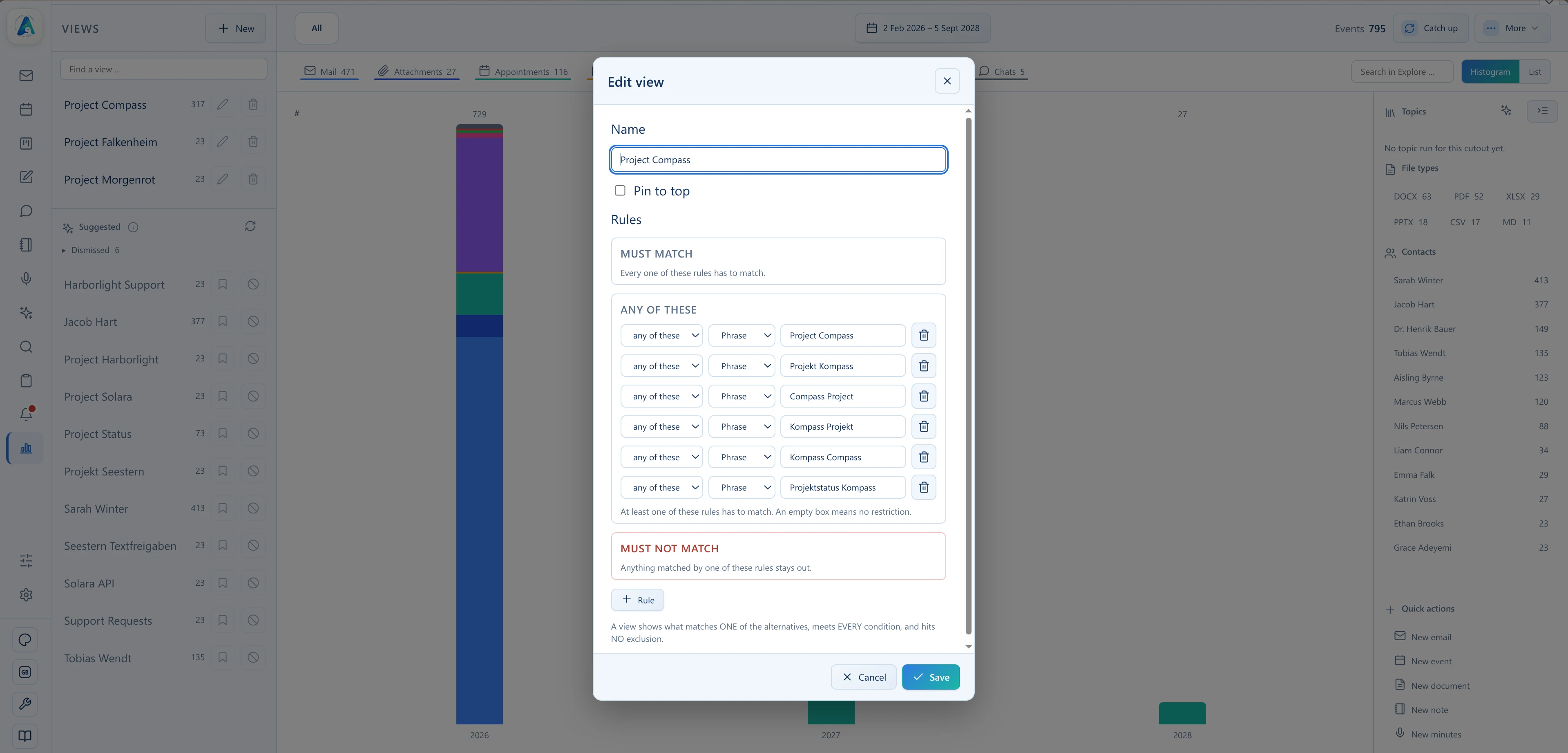
Accept a suggested view based on the existing data or create one with your own rules.
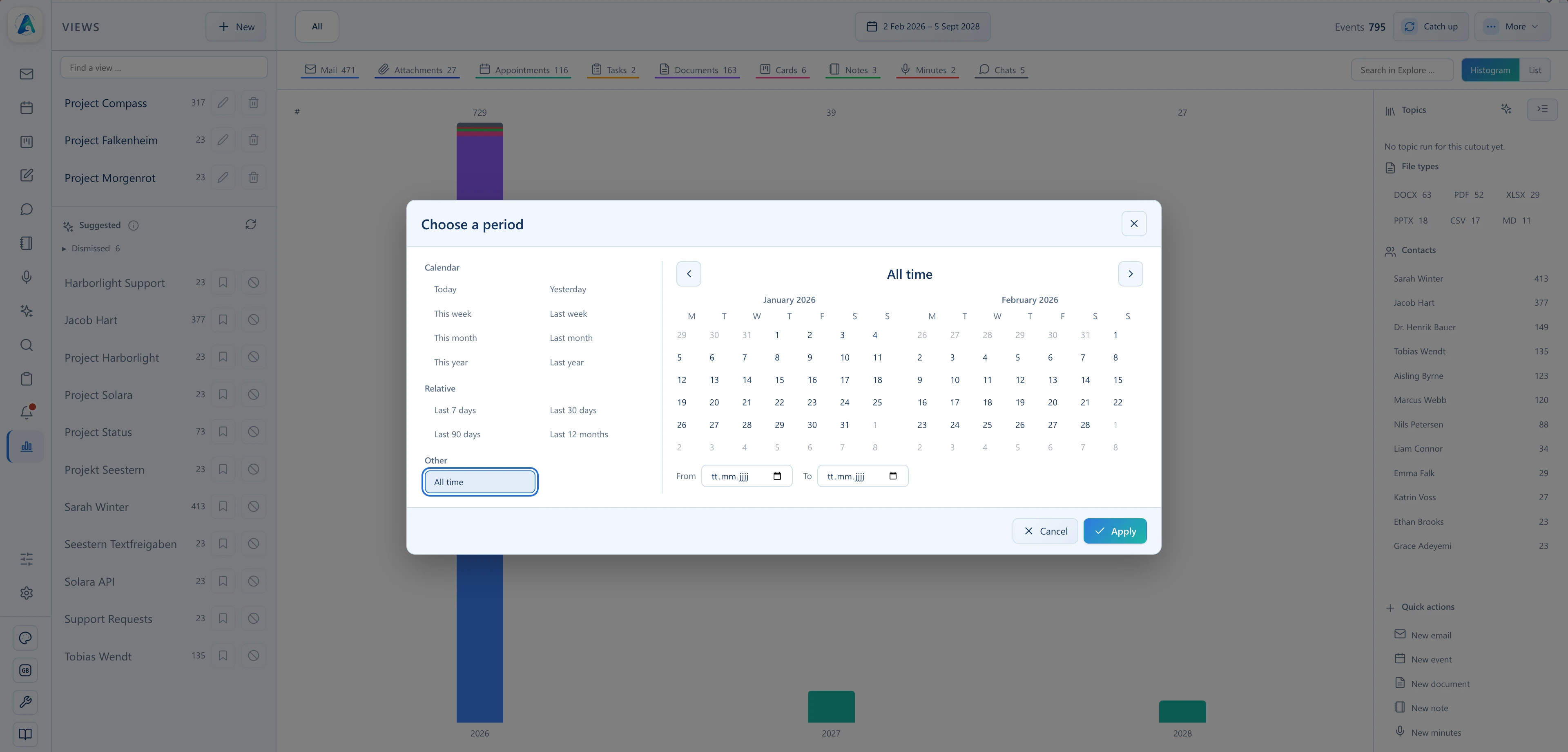
The histogram shows how results are distributed over time. Years, months, and smaller time ranges can be examined in detail.
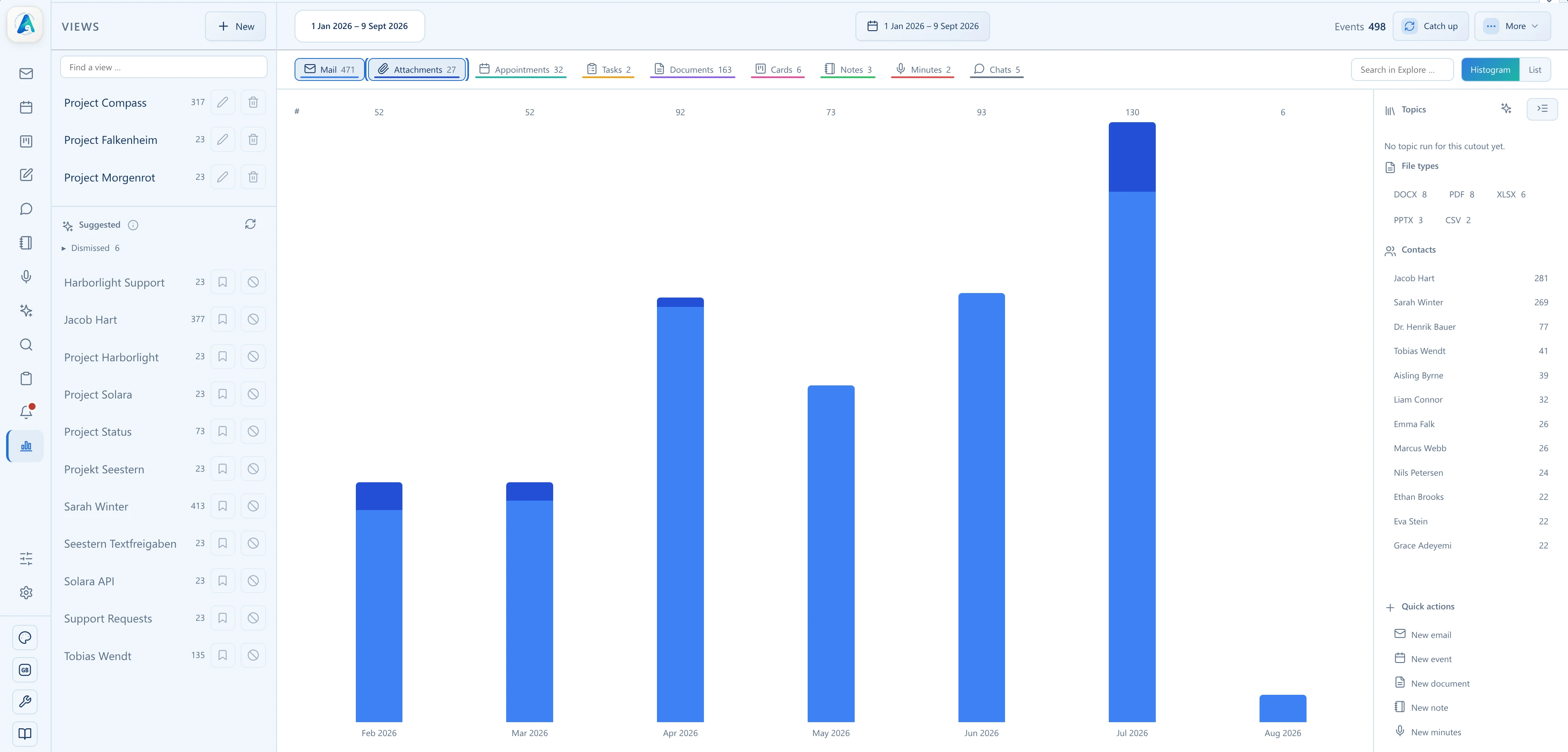
Results can be limited to specific content types such as emails, documents, transcripts, or recordings.
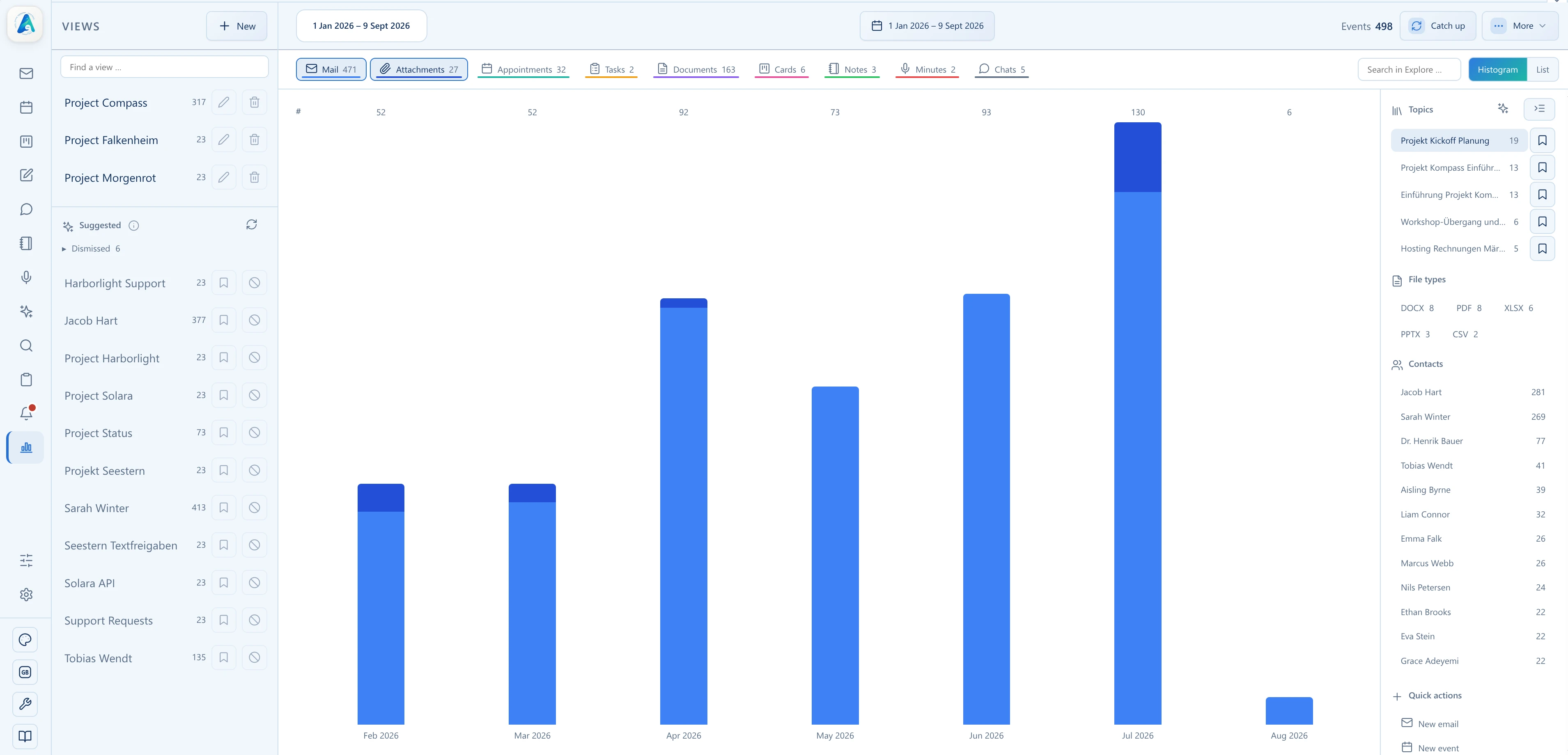
AI analyzes the view for recurring conversation topics and suggests suitable topic labels. Selecting a topic then filters the displayed results.
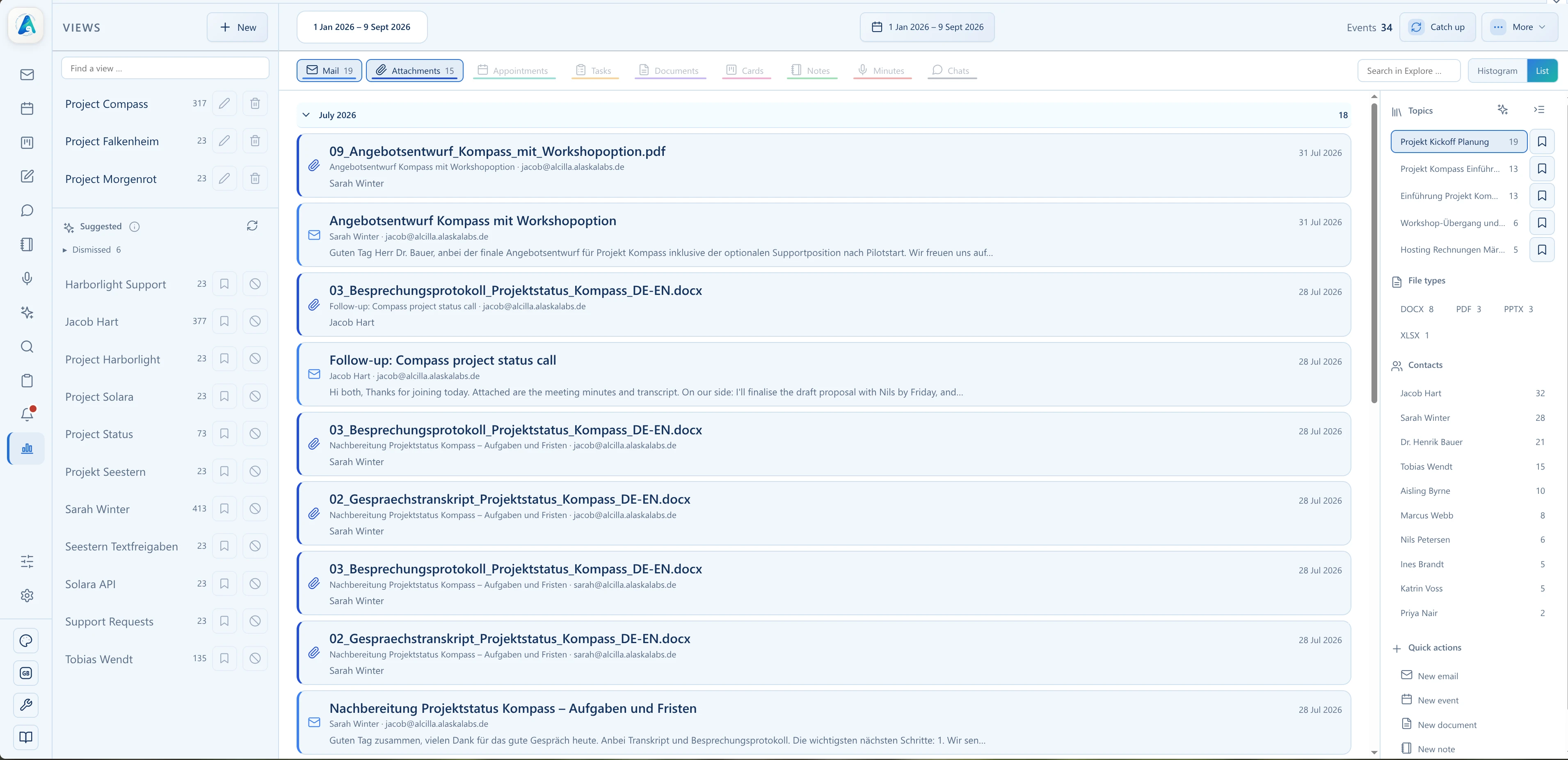
The list view shows the individual results for the selected time range and makes relevant content directly accessible.
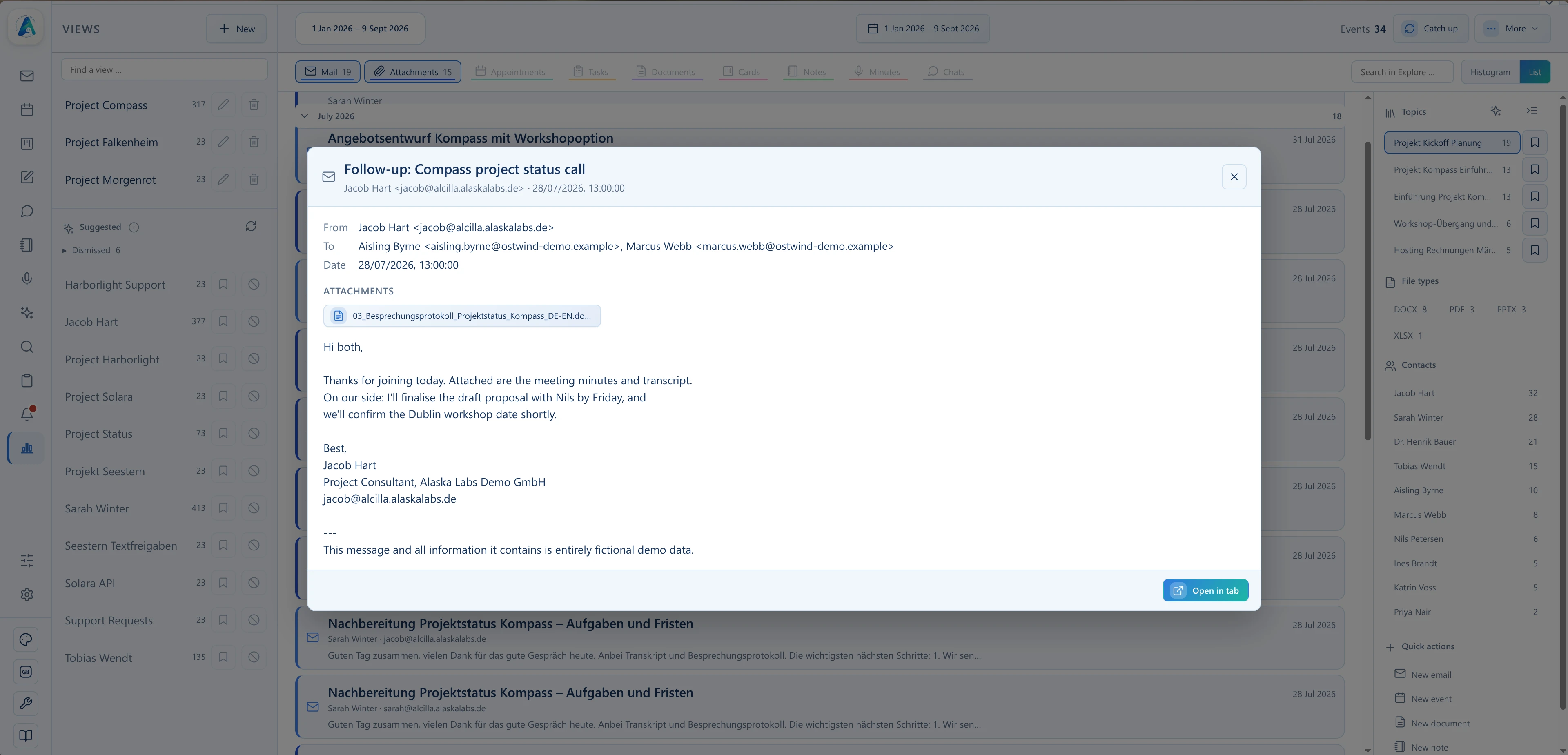
Review a result in the preview first, then open it directly in the corresponding module.
Explore uses the shared index to bring information from different Alcilla areas together in a single context.

See how distributed information becomes a navigable, visual, and directly usable shared view.