Prepare Minutes from the calendar
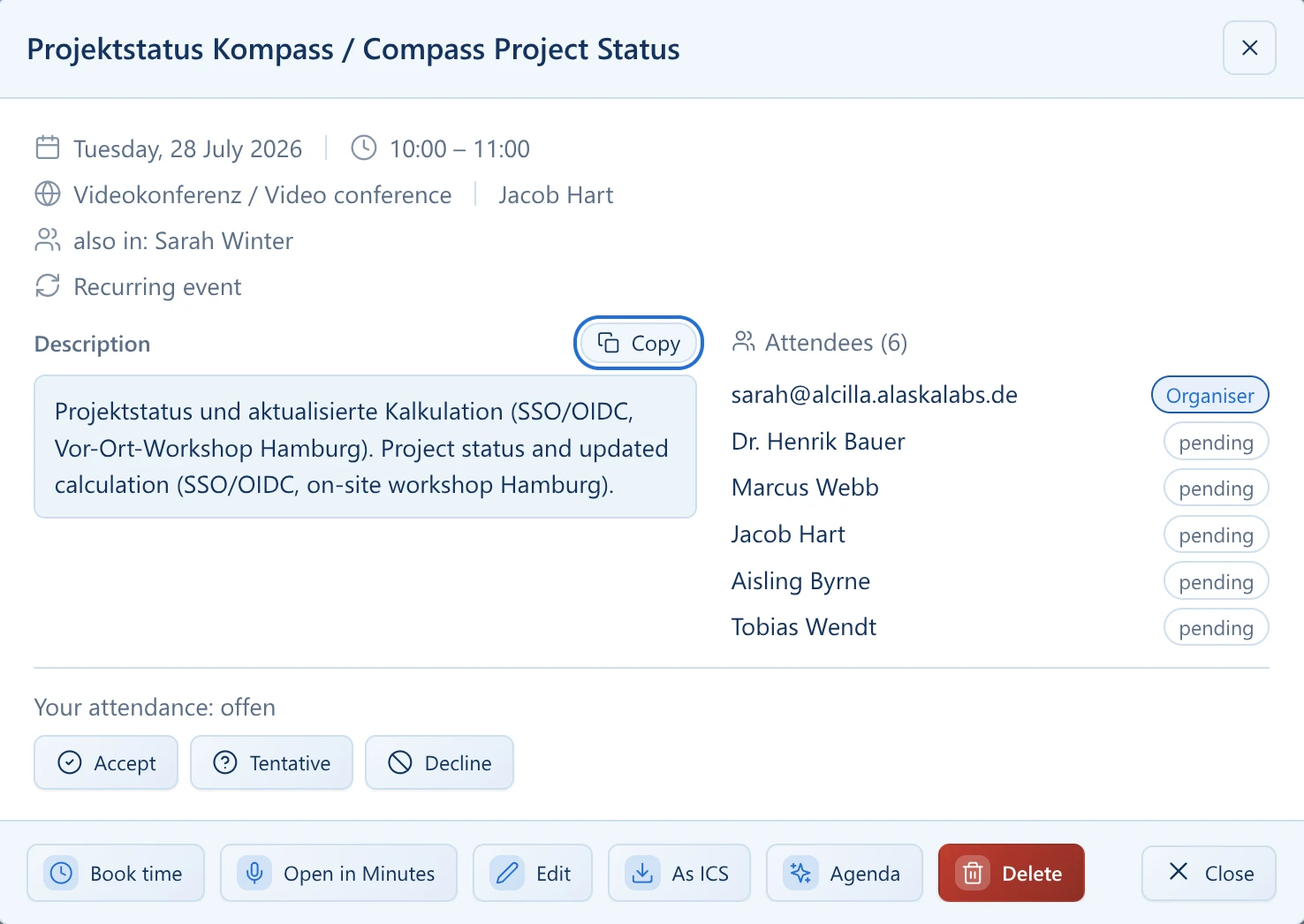
An appointment can be opened directly from the calendar in Minutes. The agenda and participants are automatically adopted when you want to capture a conversation.
Alcilla creates a transcript from conversations or your own dictation and turns it into structured minutes. Detected tasks can be transferred directly. In the local operating model, processing can take place entirely within your environment.
From the recording to the transcript, structured minutes, and detected tasks—everything happens in Alcilla.
An appointment can be opened directly from the calendar in Minutes. The agenda and participants are automatically adopted when you want to capture a conversation.
During dictation or a conversation, notes and images can be added directly in the recording area and assigned to a free-form note or an appointment.
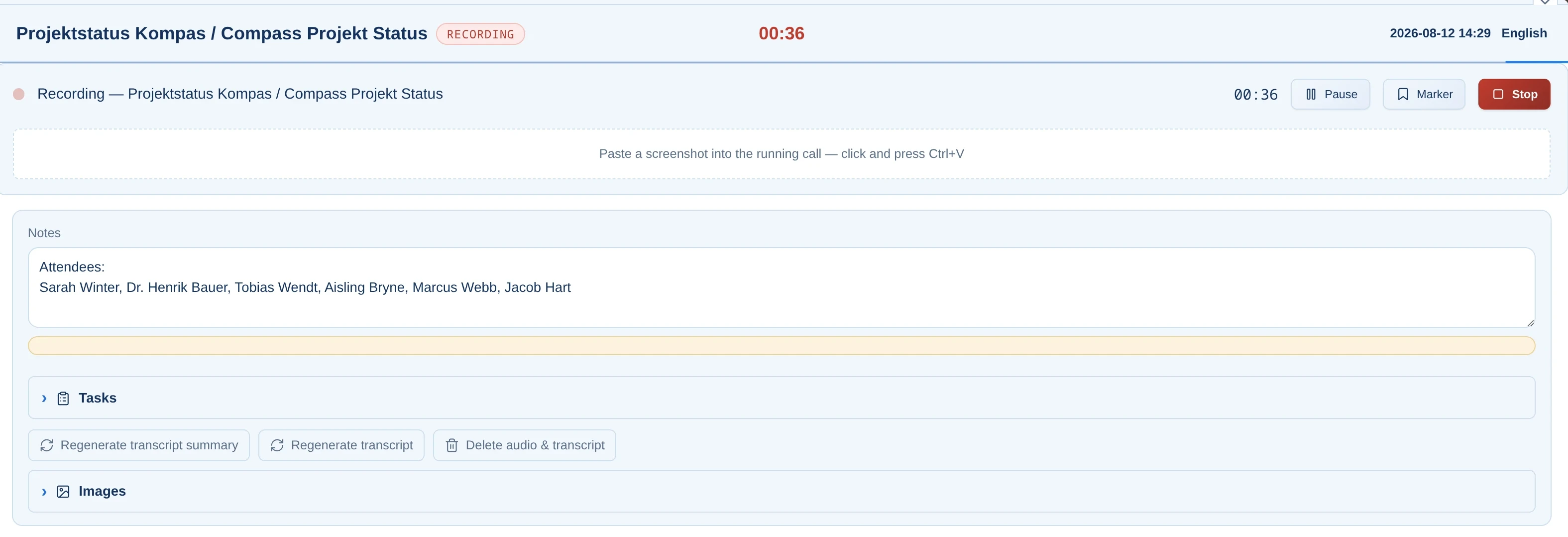
After the recording ends, Alcilla first creates a transcript from your dictation or a recorded conversation and then turns it into structured minutes. Stored notes and images are taken into account.
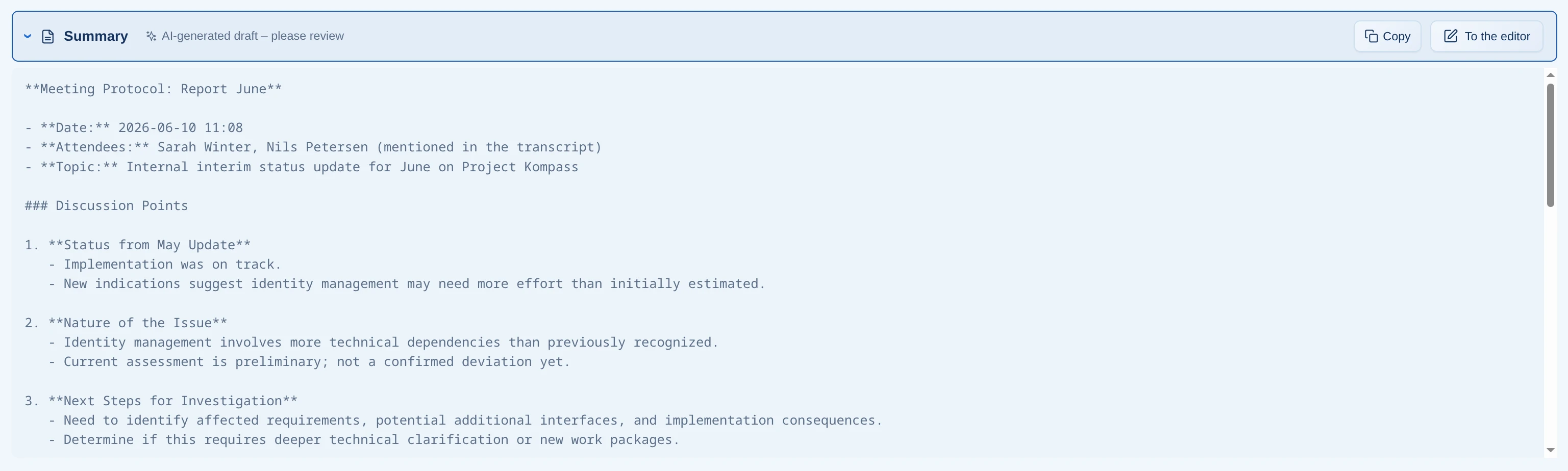
On request, Alcilla anonymizes names that are mentioned in a dictation or conversation or used in a direct salutation. In the transcript, they can be replaced by neutral designations such as 'Speaker 1'. There is no automatic recognition of which person spoke which sentence.

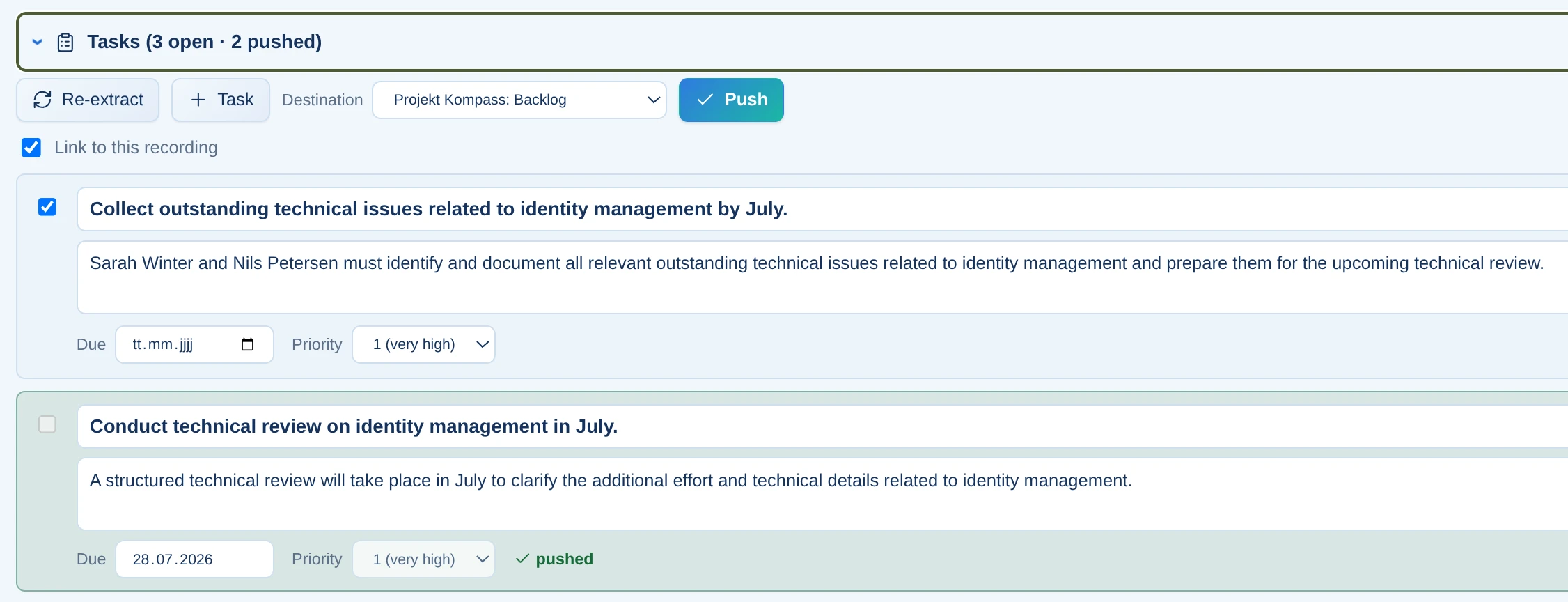
Detected to-dos from personal dictation or conversations can be created as Kanban cards or saved in the calendar.
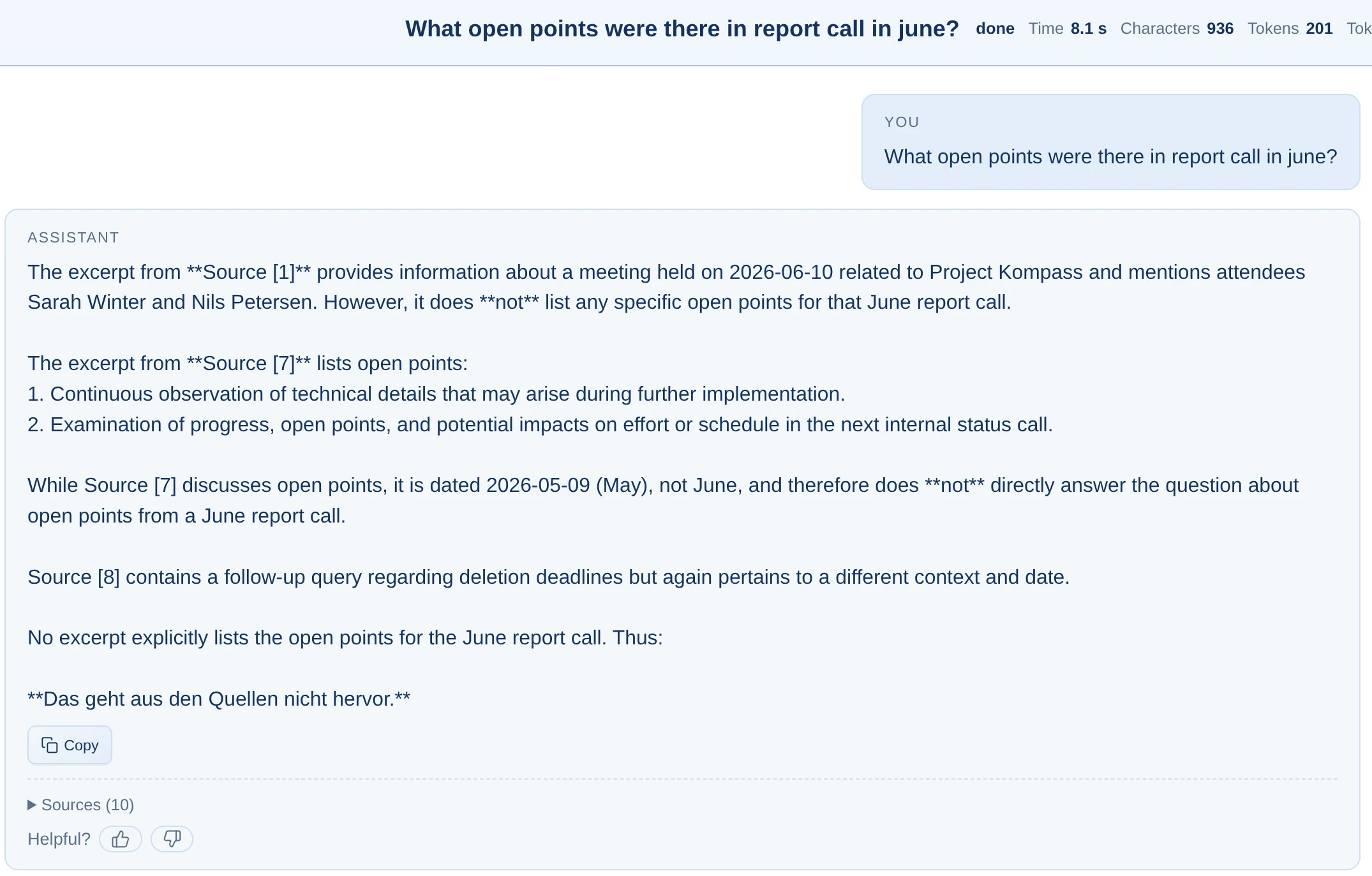
Every word of the transcript is added to the local knowledge index and can be searched through RAG Chat.
Meetings may be recorded only when all participants have been explicitly informed before recording begins and have consented to the recording. Users are responsible for obtaining all required consent and complying with all applicable legal, data protection, employment-law, and internal requirements. Alcilla does not determine whether recording or further processing is legally permissible in a particular case. Responsibility for legally compliant use lies with the person or organization using the product.
Whether it is a short dictation, a quick thought, a longer personal note, or a conversation, Alcilla creates a transcript and structured minutes after the recording. Detected tasks can be transferred directly.
After the recording ends, the transcript and the structured minutes created from it are available.
Alcilla highlights decisions, action points, and to-dos in the minutes, whether the source is personal dictation or a conversation.
Minutes can run entirely locally. Audio files, transcripts, and minutes remain within your company.
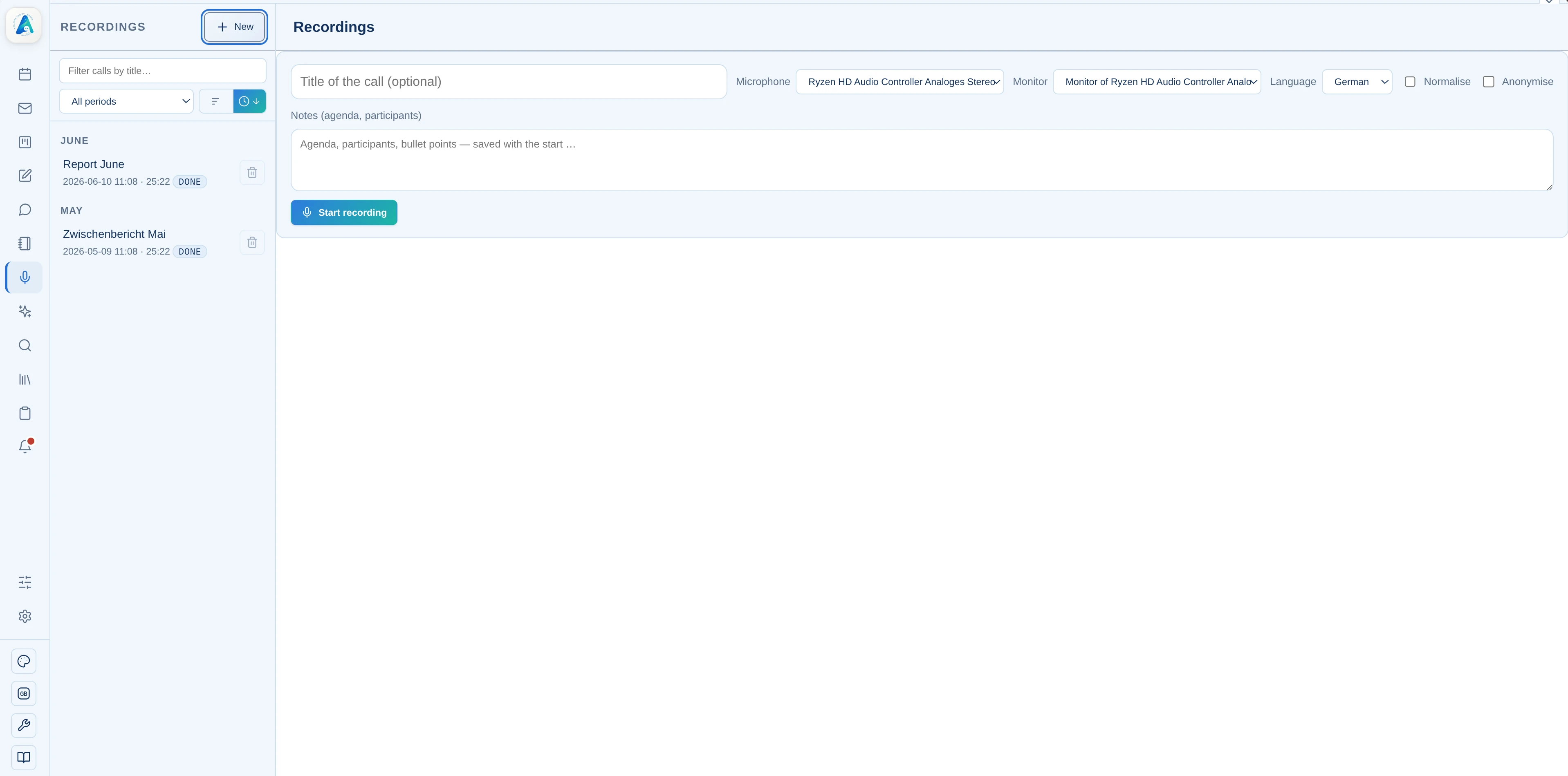
Dictate your note or record a conversation. After the recording ends, Alcilla creates a transcript from the audio.
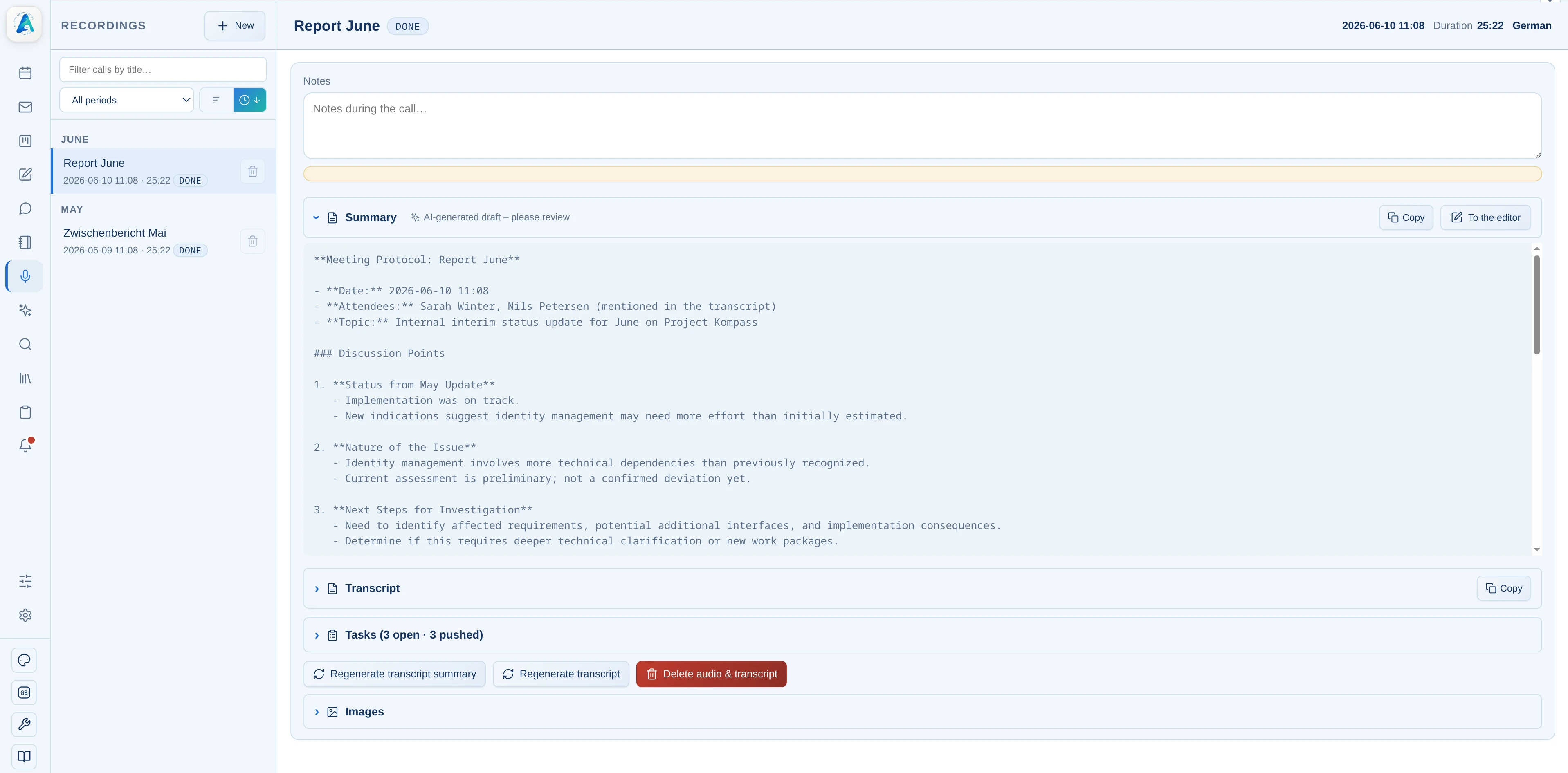
From the transcript, the AI creates structured minutes and identifies relevant tasks.
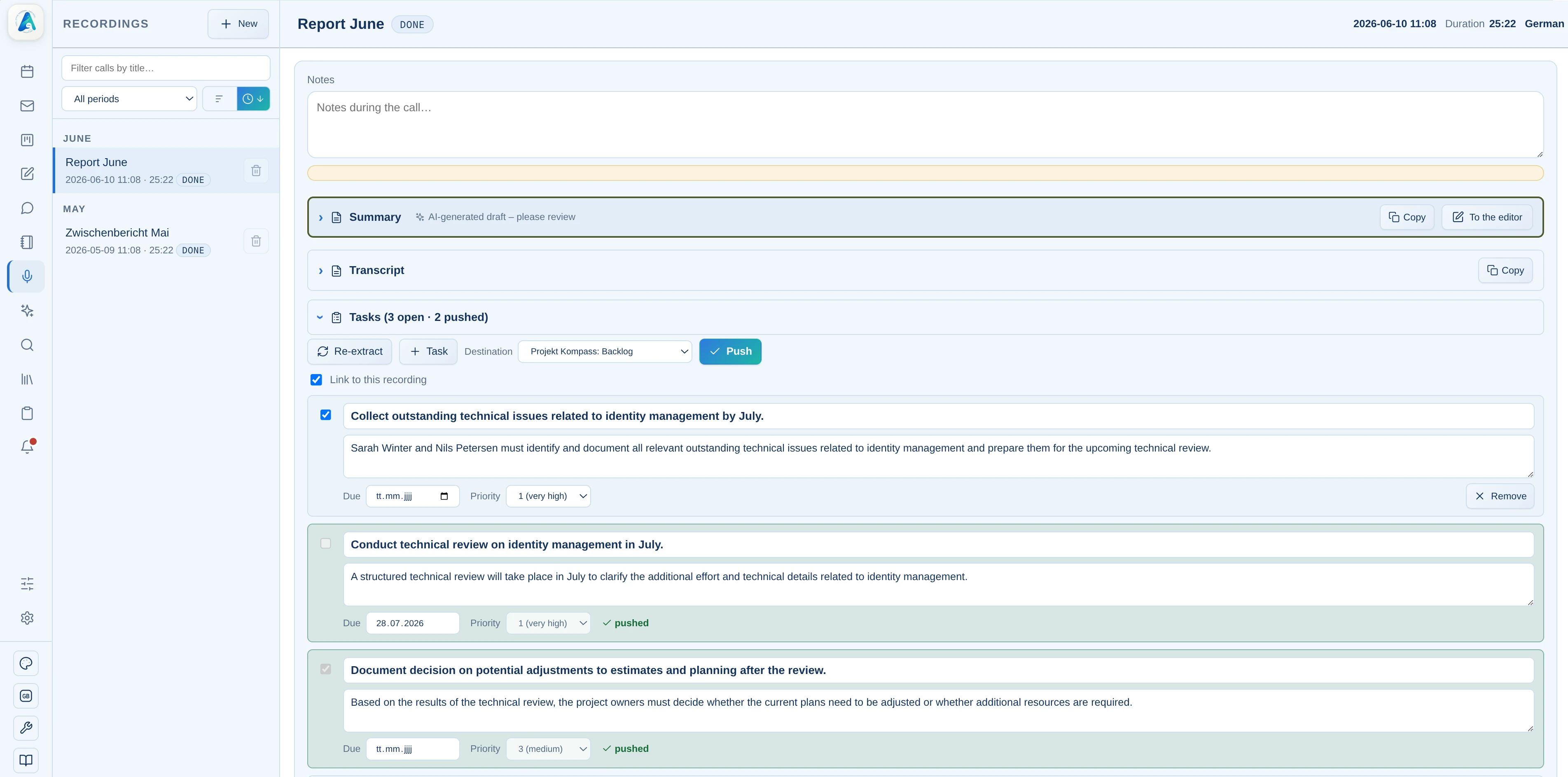
Detected appointments and to-dos can be transferred to Kanban cards or the calendar.
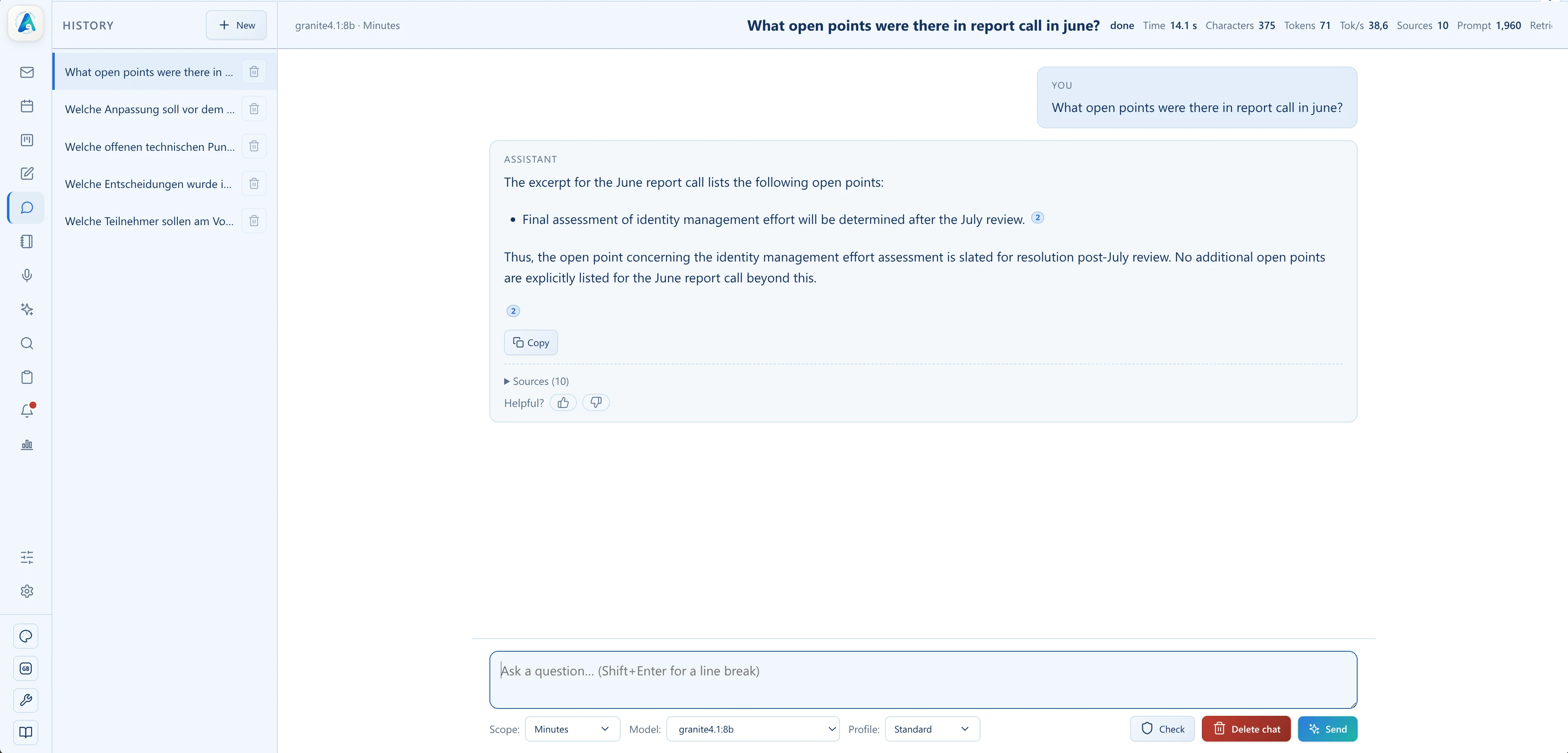
Everything is searchable in chat, with source references.
Minutes does not stand alone. Transcripts, the structured minutes created from them, and detected tasks are linked directly to email, Kanban, chat, and the knowledge index.

See how Alcilla creates transcripts and structured, searchable minutes from personal dictation and conversations after the recording, with detected tasks ready to use.