All on one map
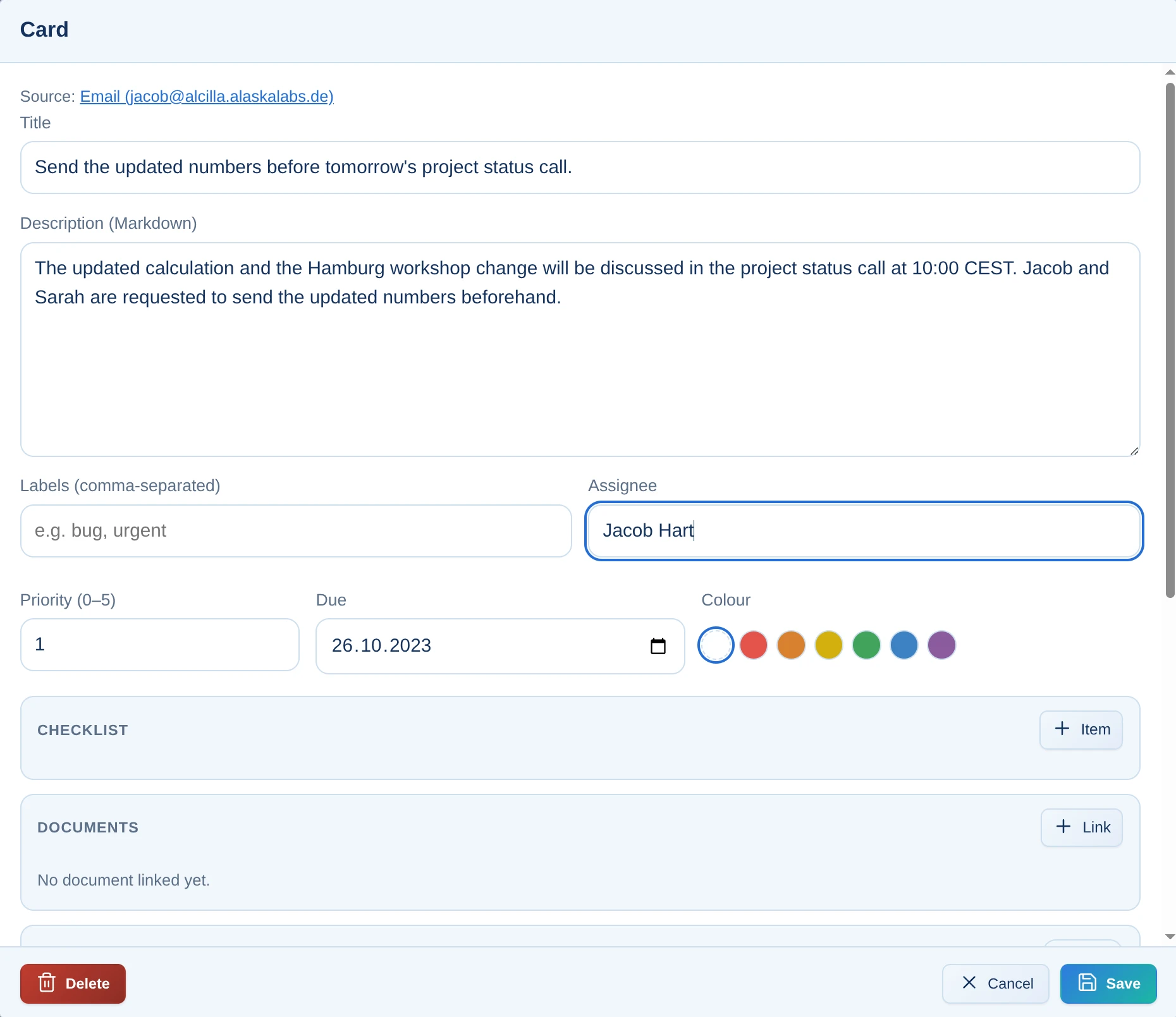
Responsibility, priority, due date, checklists, documents, images and comments remain directly with the task – without turning it into a complex ticket system.
No separate tool and no third login. Alcilla Kanban is integrated directly with email, minutes, chat, and the index, keeping project management simple instead of turning it into a project of its own.
Kanban is deliberately kept lean: columns, cards, and drag-and-drop. That makes it the right tool for teams that want to get work done instead of maintaining tickets.
Responsibility, priority, due date, checklists, documents, images and comments remain directly with the task – without turning it into a complex ticket system.
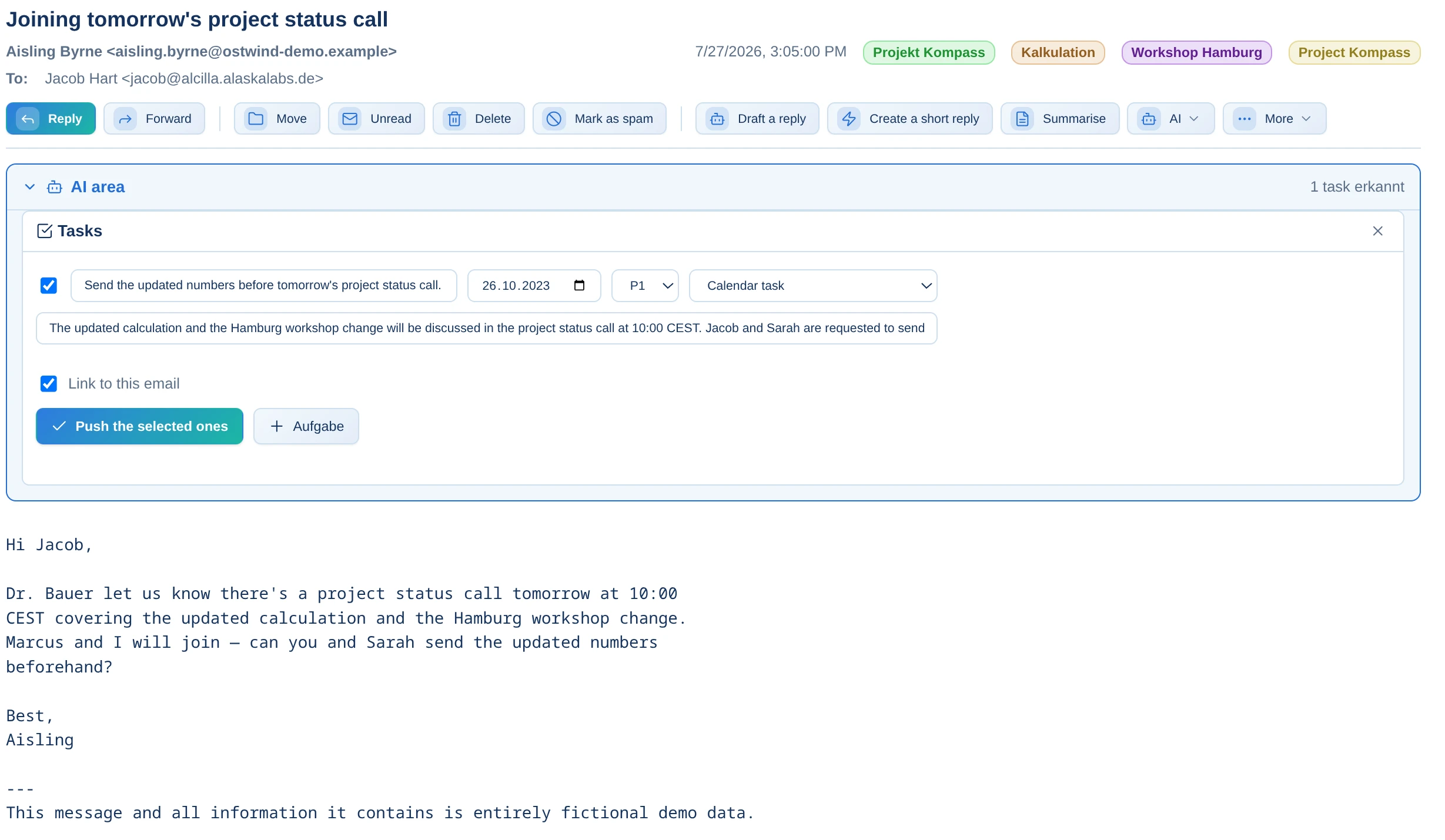
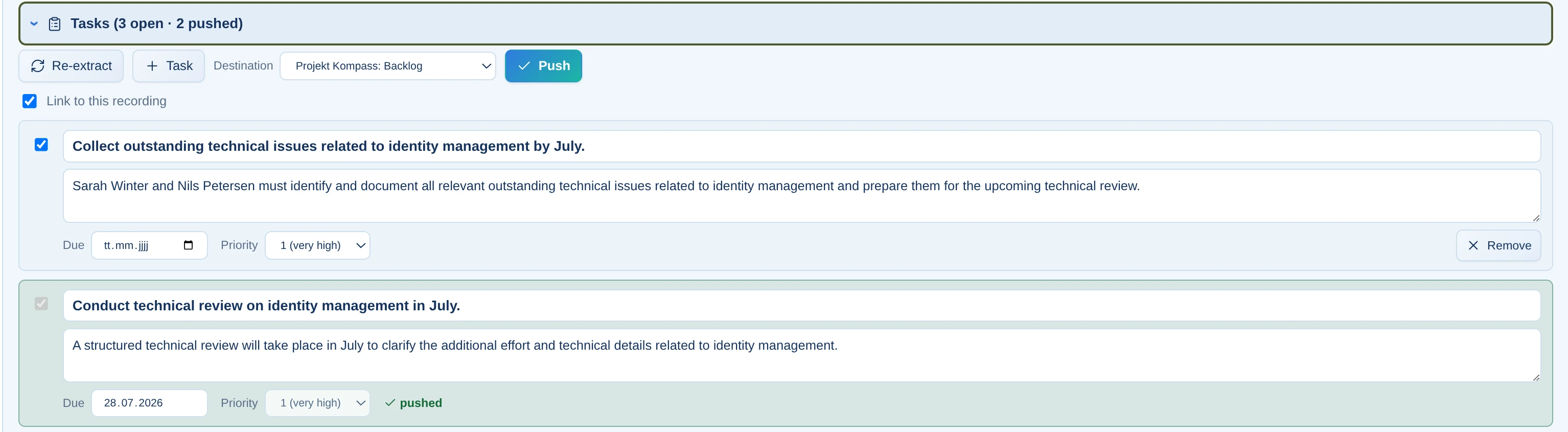
The ‘Extract tasks’ function detects to-dos in messages and creates a card with one click, including a detected due date.
Minutes detects tasks in the minutes and transfers them to Kanban. No end-of-day rework and no forgotten action items.
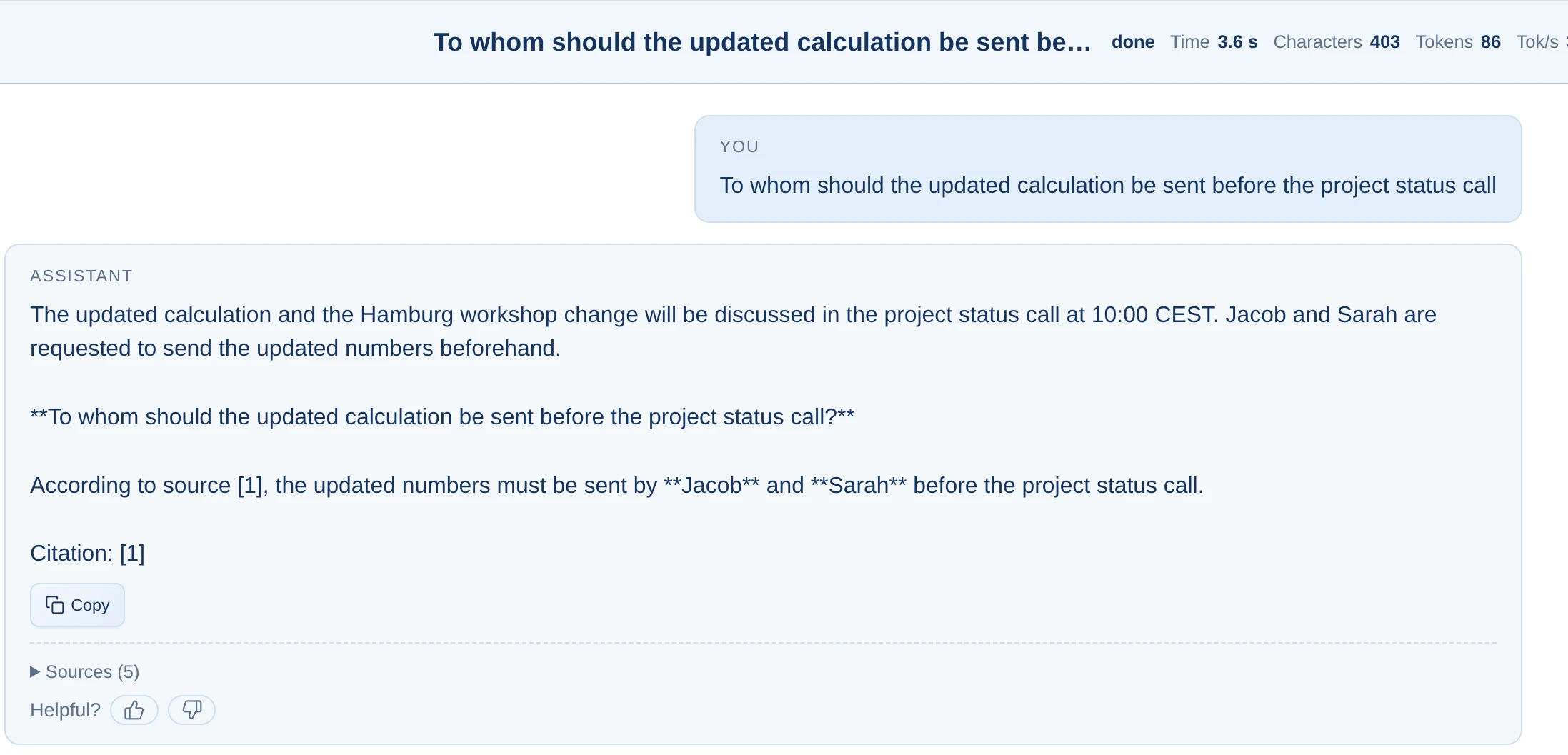
Card content flows into the same index as emails, documents, and notes, making it directly retrievable and citable in chat.
Centrally shared boards update in real time. When a colleague moves a card, you see it immediately.
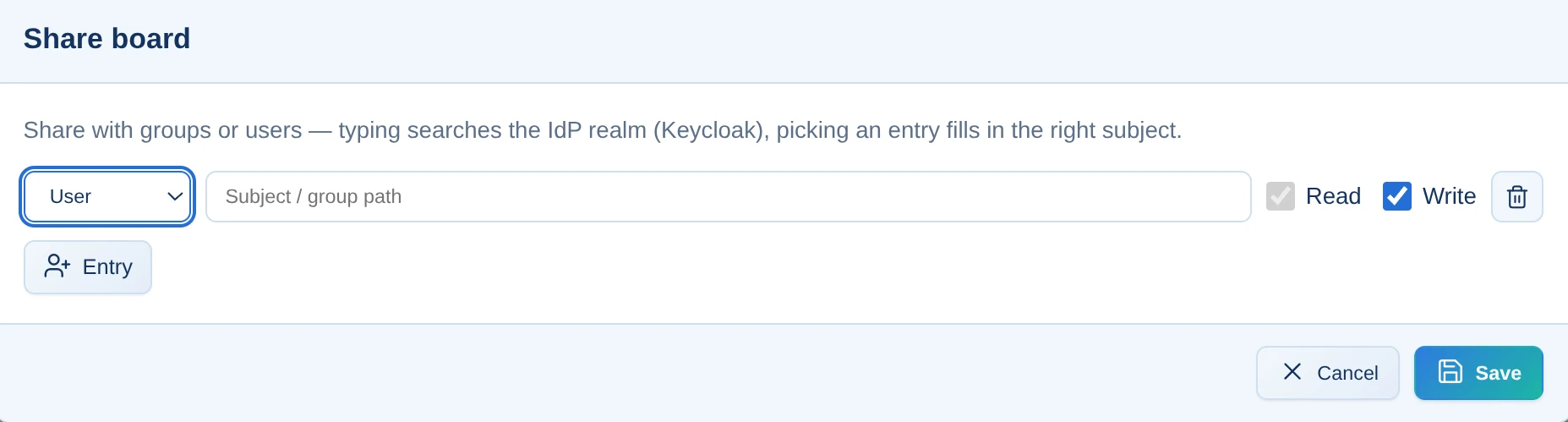
Owners grant read or write permissions to people or groups—granular access instead of all or nothing.
Kanban is not the most powerful project management method. That is precisely why it is the right one: easy for every team to understand, with no training required—and especially effective when integrated into Alcilla.
Without integration, every task requires three steps: read the email, open another tool, and create a card. In Alcilla, it takes one click because email, minutes, and Kanban share the same context.
Because Kanban uses the same index as everything else, a card does not become a dead end. You can ask the chat, ‘What is the status of Project X?’ and the answer will include information from the cards.
No sprint-planning overhead and no twenty status fields. Kanban remains lean enough not to overwhelm anyone, including teams that have never used a board before.
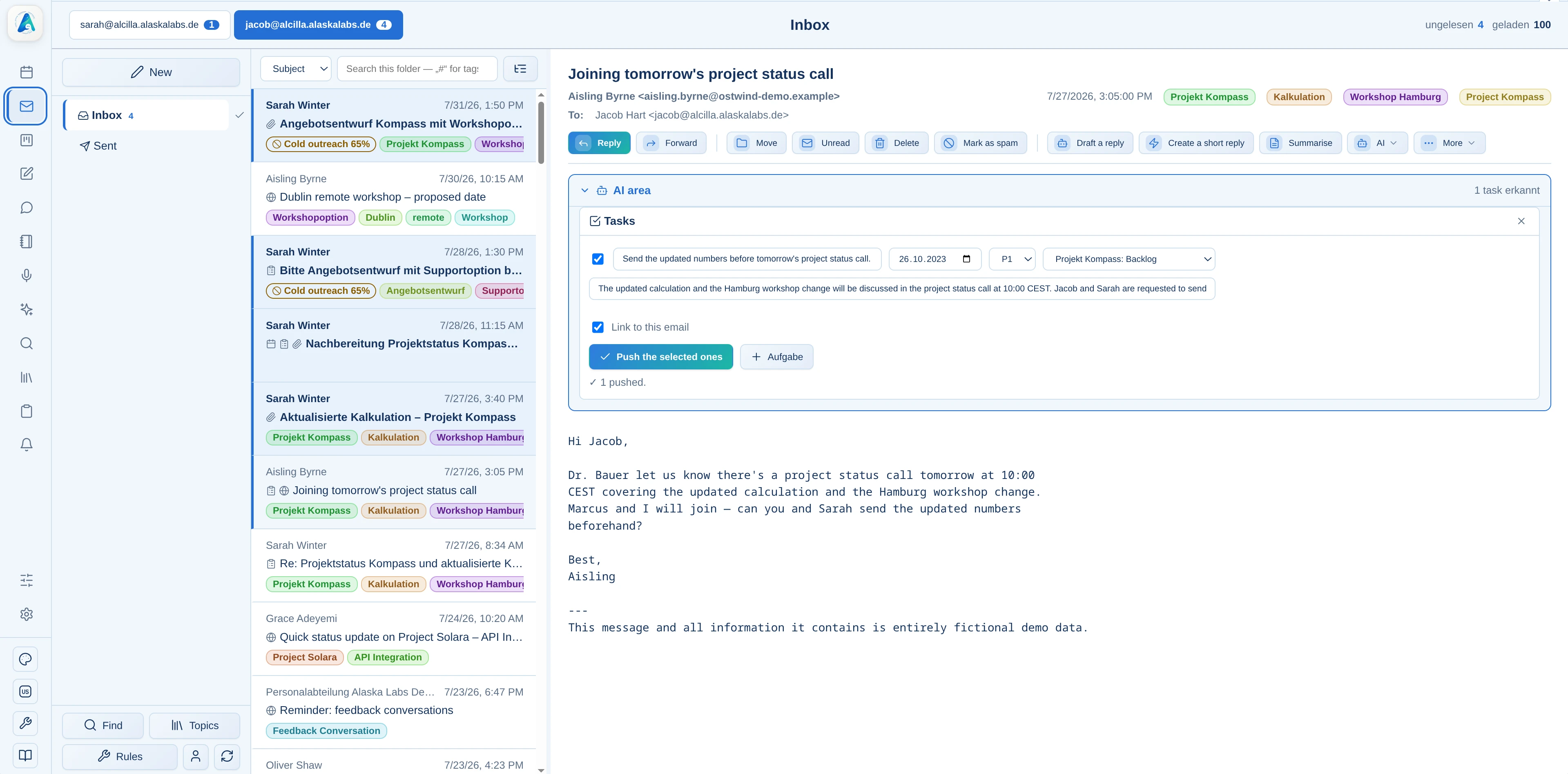
New tasks are added to Kanban manually or directly from email, minutes, and other Alcilla content. The original source remains linked to the card.
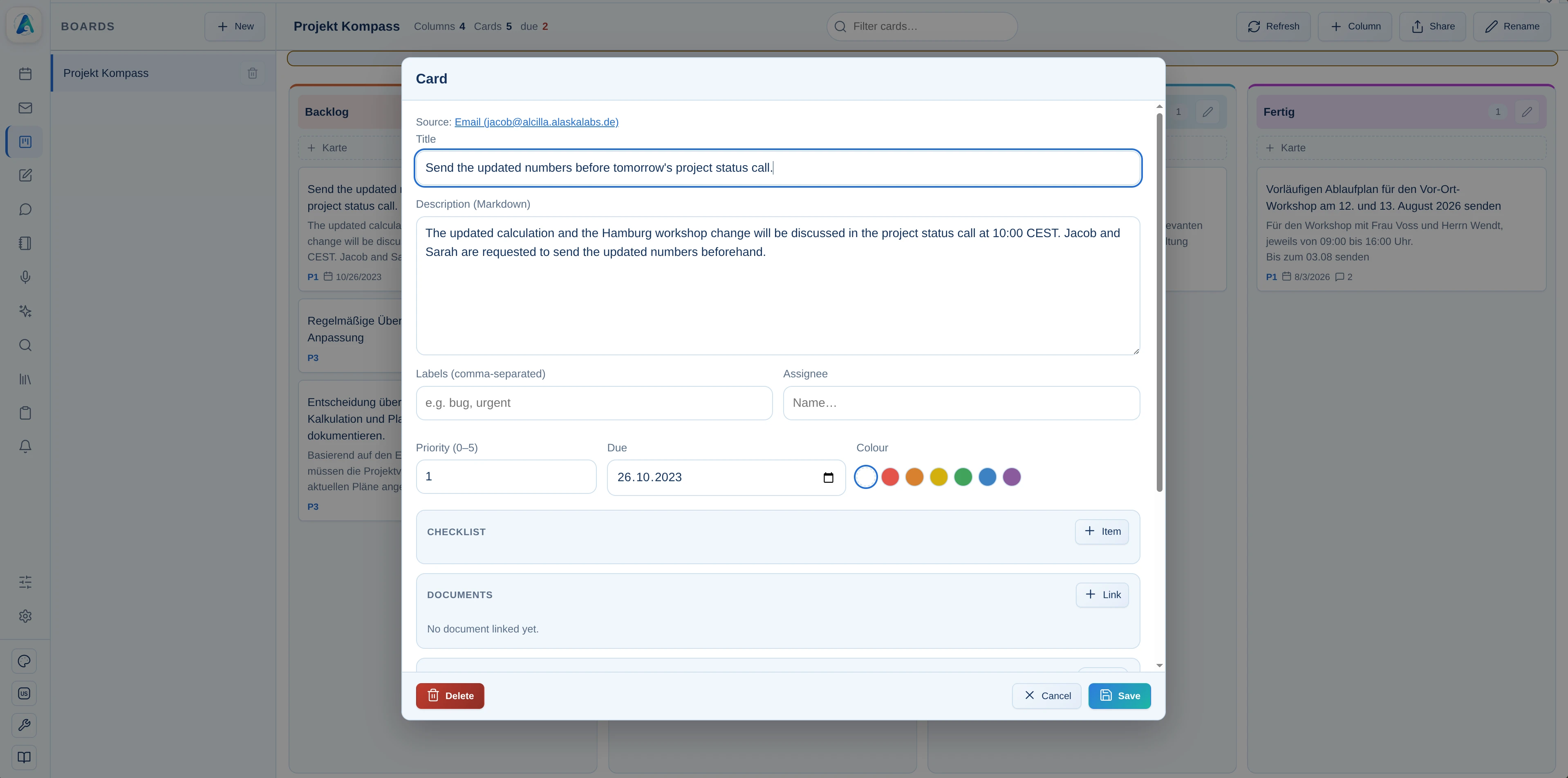
Set the assignee, priority, and due date. Checklists, documents, images, and additional details can be added directly to the card.
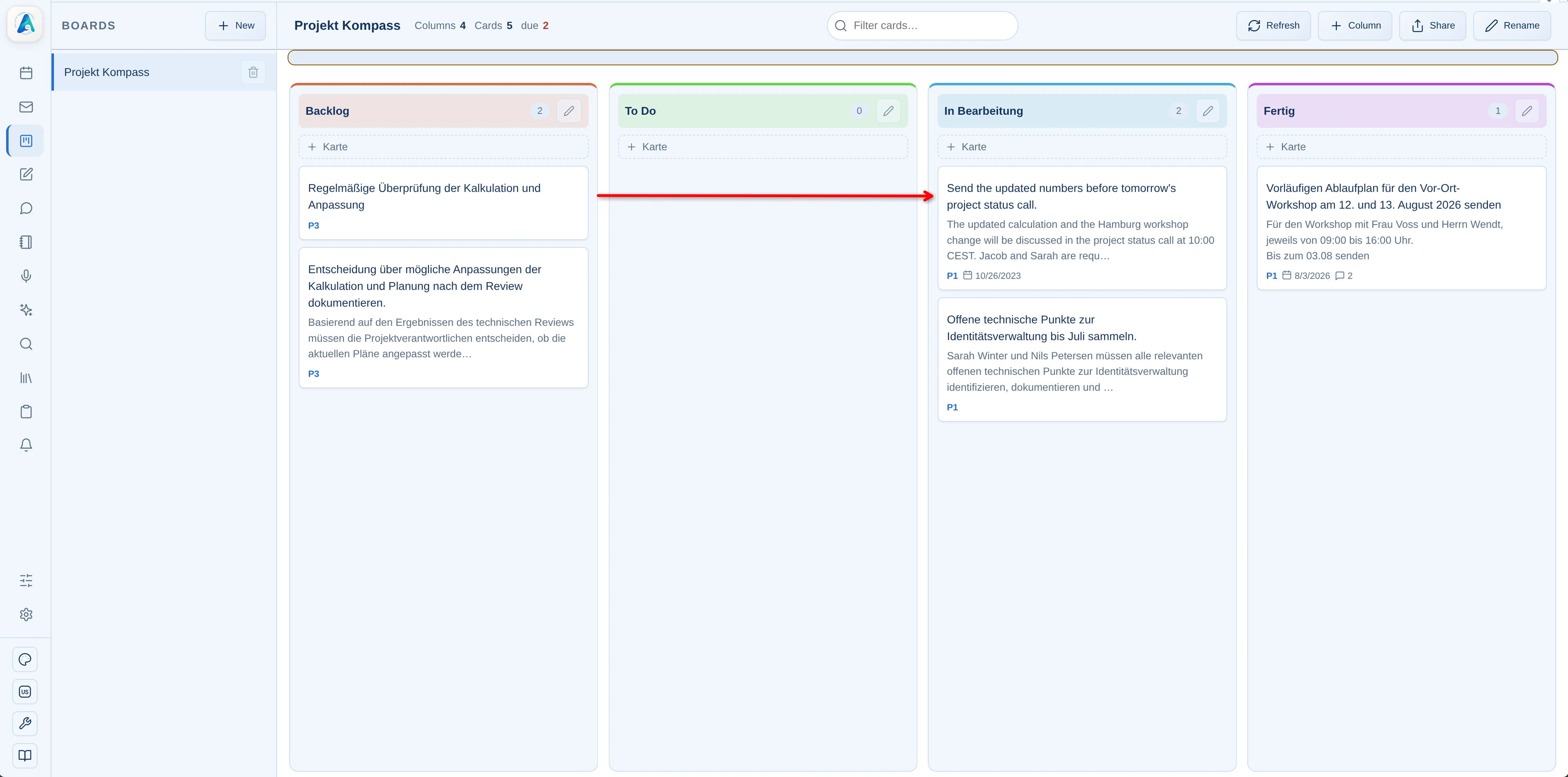
Move the card from Backlog to To Do, In Progress, and Done. The current status is always immediately visible on the board.
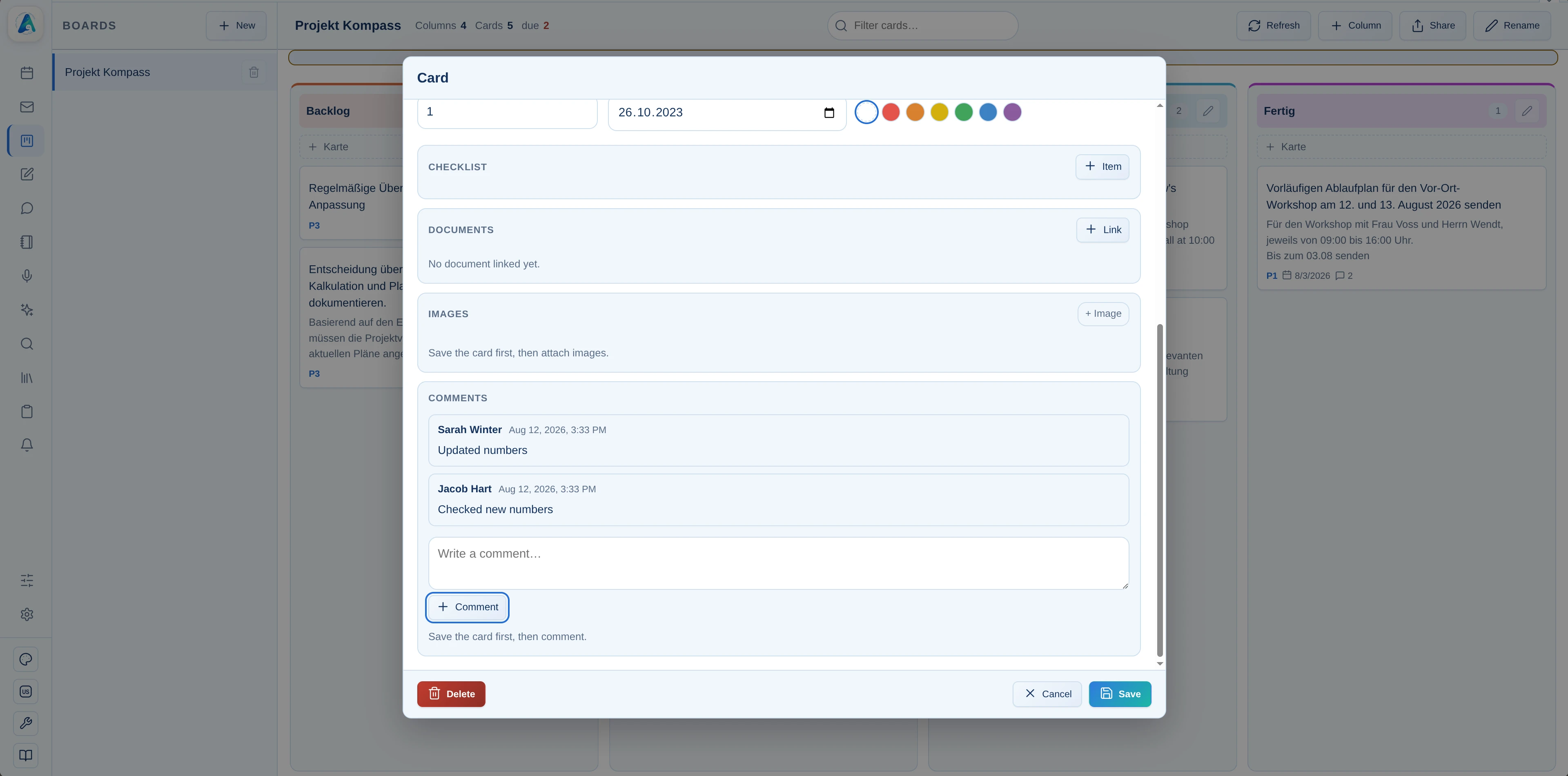
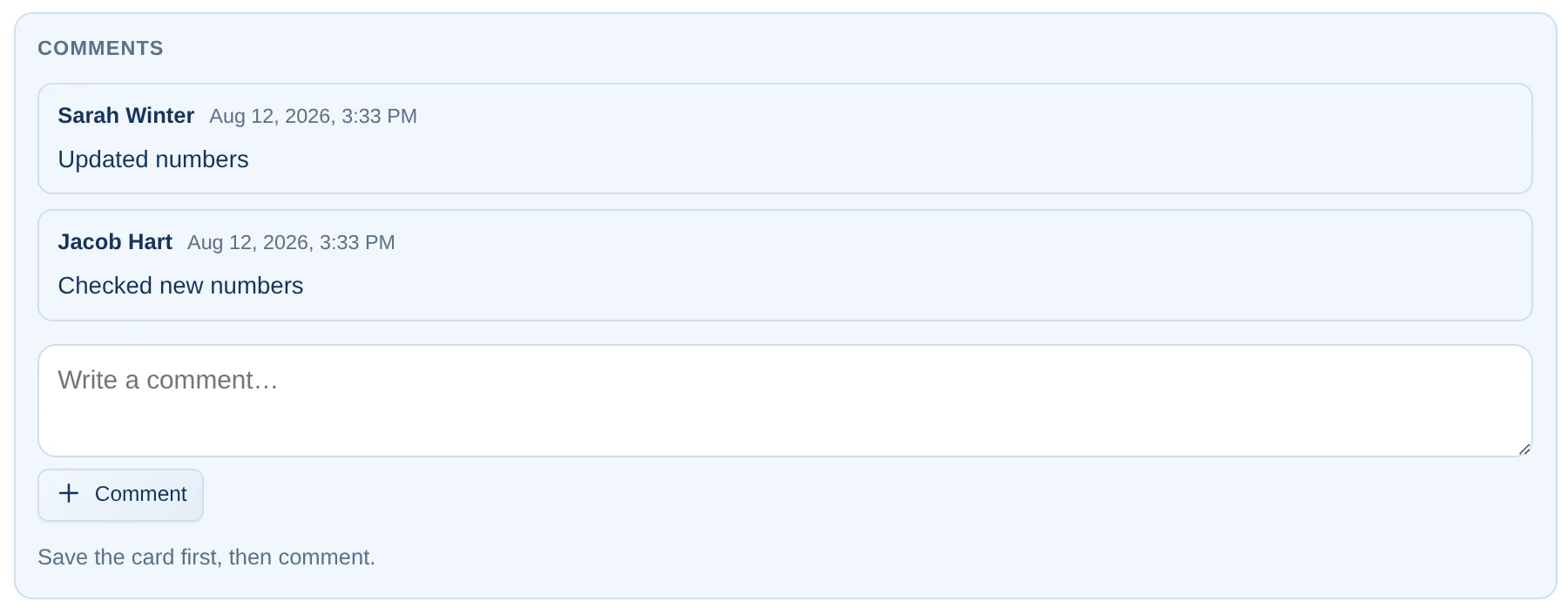
Comments and linked content keep all relevant context with the task. On shared boards, everyone with access can see changes right away.
Alcilla Kanban does not stand alone. Connections to Trello, Jira, and Taiga.io are set up on request—existing boards and tickets then land in the same local index.
The integration layer is already prepared—we configure new connections to meet your company's needs.

See how emails and meetings become tasks without detours—in a board that everyone understands immediately.